Military Veteran Discount: $50 OFF


Military Veteran Discount: $50 OFF
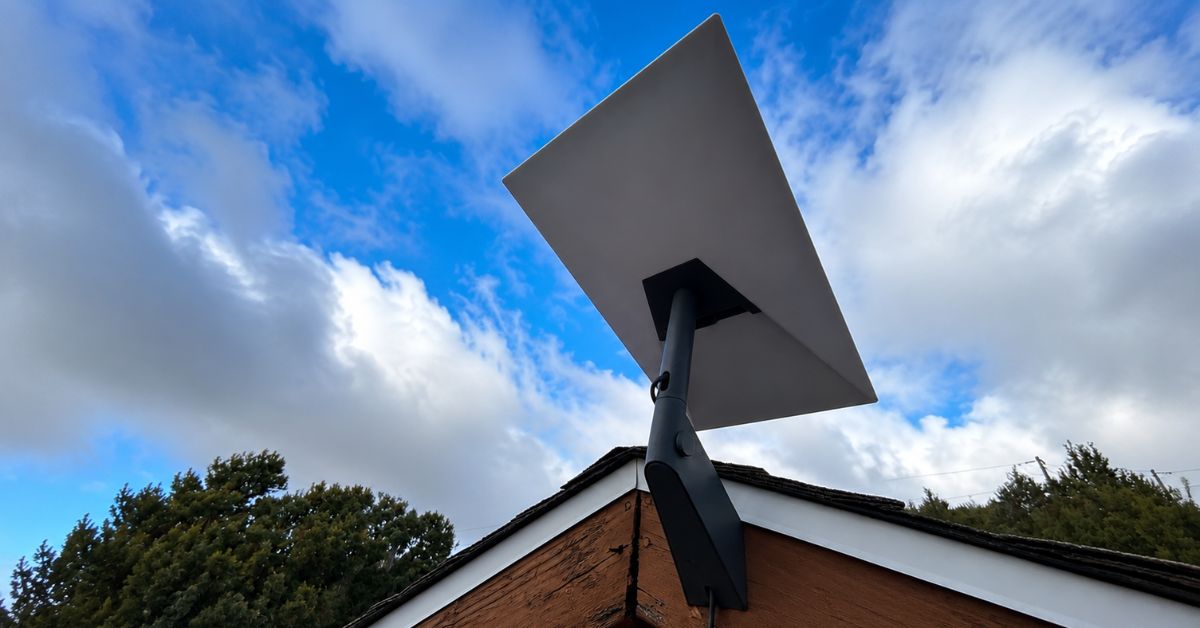
ProSat Networks tackled a successfully completed Starlink installlation in Show Low, Arizona for a residential home property. ProSat Networks, a professional satellite (Starlink) dish installers for commercial businesses, residential homes and maritime vessels. Providing services for hard-wired and wireless network design, installation support for RV parks, campgrounds, construction sites, dairy & agriculture farms, airplane hangars, mines & mining operations in Arizona.
For inquiries and request for a quote, call 1-844-799-0258.

🔹Location: Show Low, AZ
🔹Property Type: Residential Home
🔹Property Size: 1650 sqft, one-story
🔹Roof Type: Shingles
🔹Starlink Kit: Standard Kit
🔹Mount Option: Wall mount
Our Starlink installation SMEs kick-off the processing of the service request by performing the following:
An initial offsite assessment is carried out to evaluate the property location and structure. By analyzing the satellite imagery and customer provided onsite photos, the engineers able to assess the installation points, obstructions onsite, cable routing path and other customer requirements for the Starlink installation.
After asssessment, the necessary equipment, tools, materials and manpower needed for onsite installation are identified and put into a detailed job order. The cutomer approved and the schedule of the installation is coordinated with Starlink installers Show Low AZ. However, due to inclement weather, specifically, hailstorms in the area. The installation was rescheduled to a more suitable date to ensure safety and optimal working conditions.
Our Starlink installers in Show Low, AZ arrived onsite as scheduled to perform the following scope of work:
🔹Install the Starlink STANDARD model with a short wall mount (now called the Standard Wall Mount)
🔹Cable routing
🔹Activate and configure the Gen3 router
🔹Test and optimize the Starlink satellite internet
🔹Document the installation with photos and close-out notes
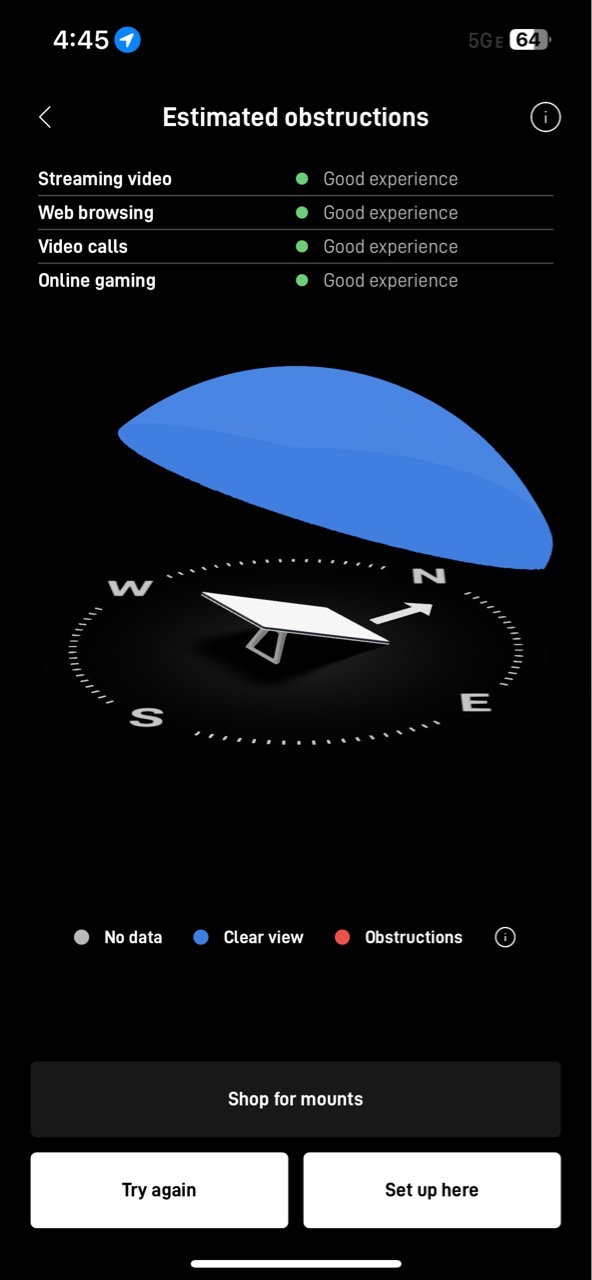
The installation process was initiated by finding optimal location for Starlink dish installation. The Starlink obstructions test is performed using the Starlink App to find a “Good experience” rating on the preferred installation point in the property.
The Starlink dish was installed at an optimal point on the fascia, and the Starlink cable was run and passed through to the house where the Gen3 router was located. Connect the cable to the Gen3 WiFi Mesh router, powered on and configured with SSID and password. We assisted the customer on how to use Starlink app.
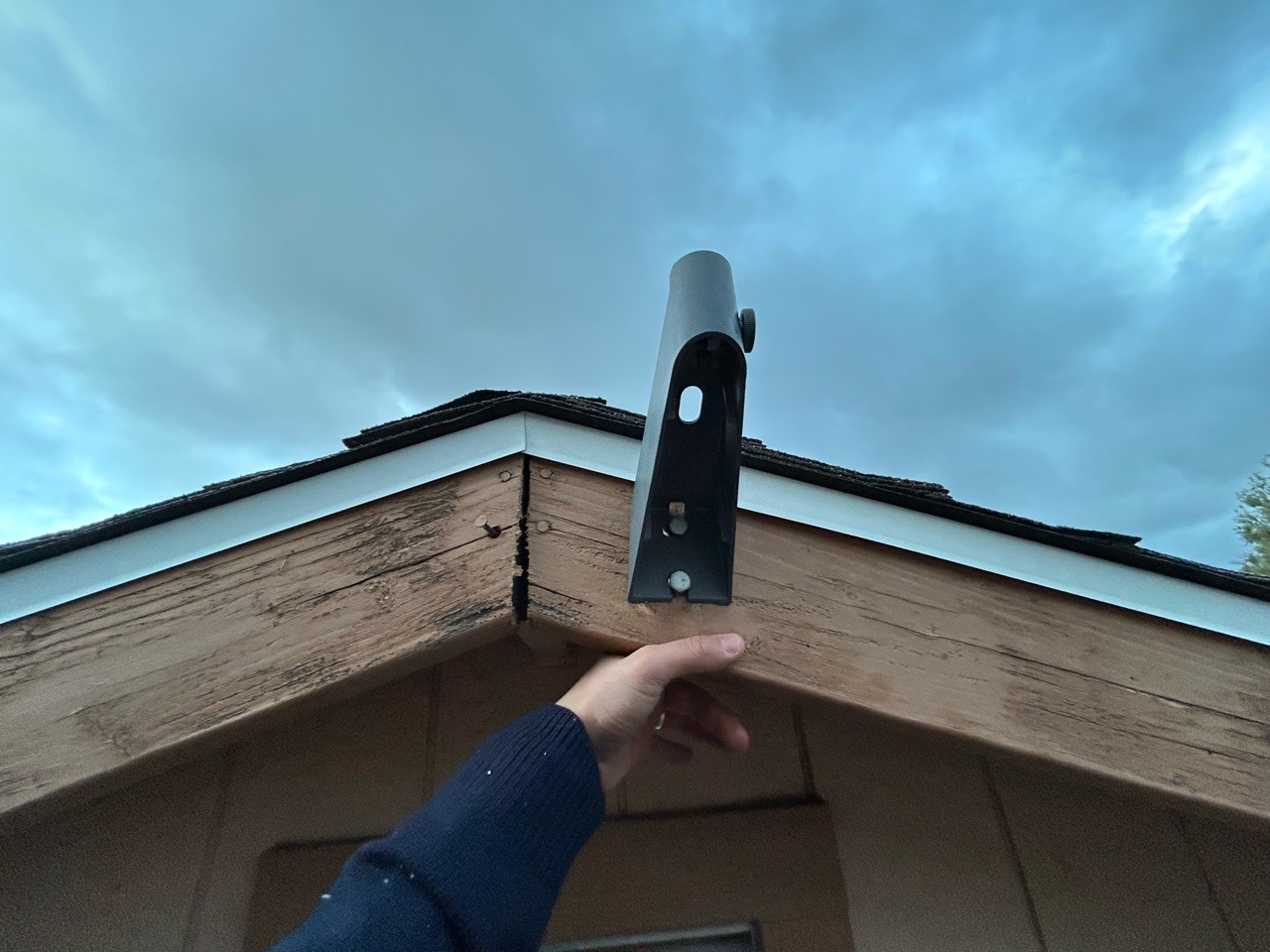
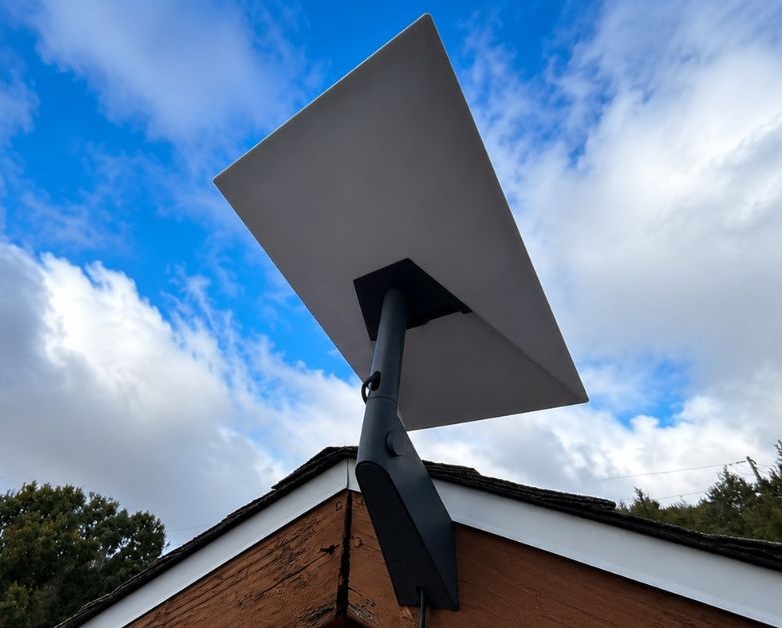
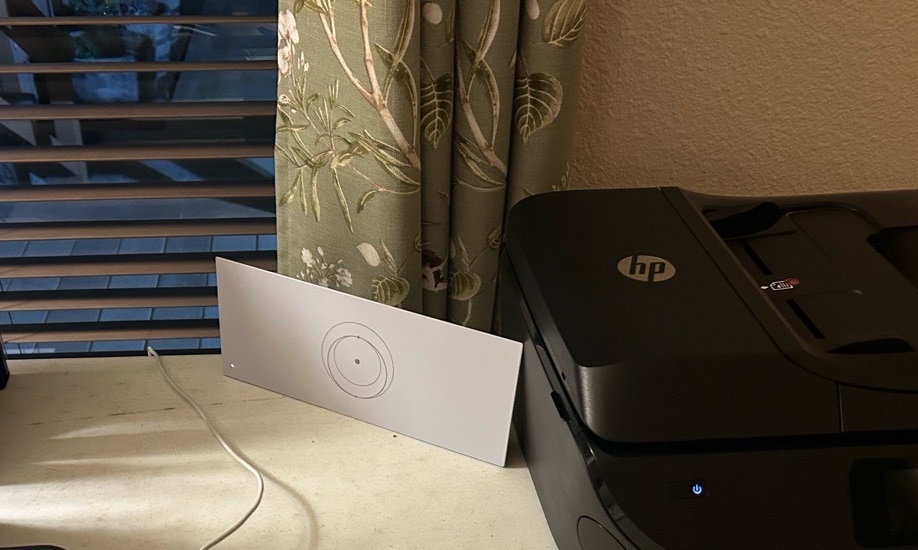
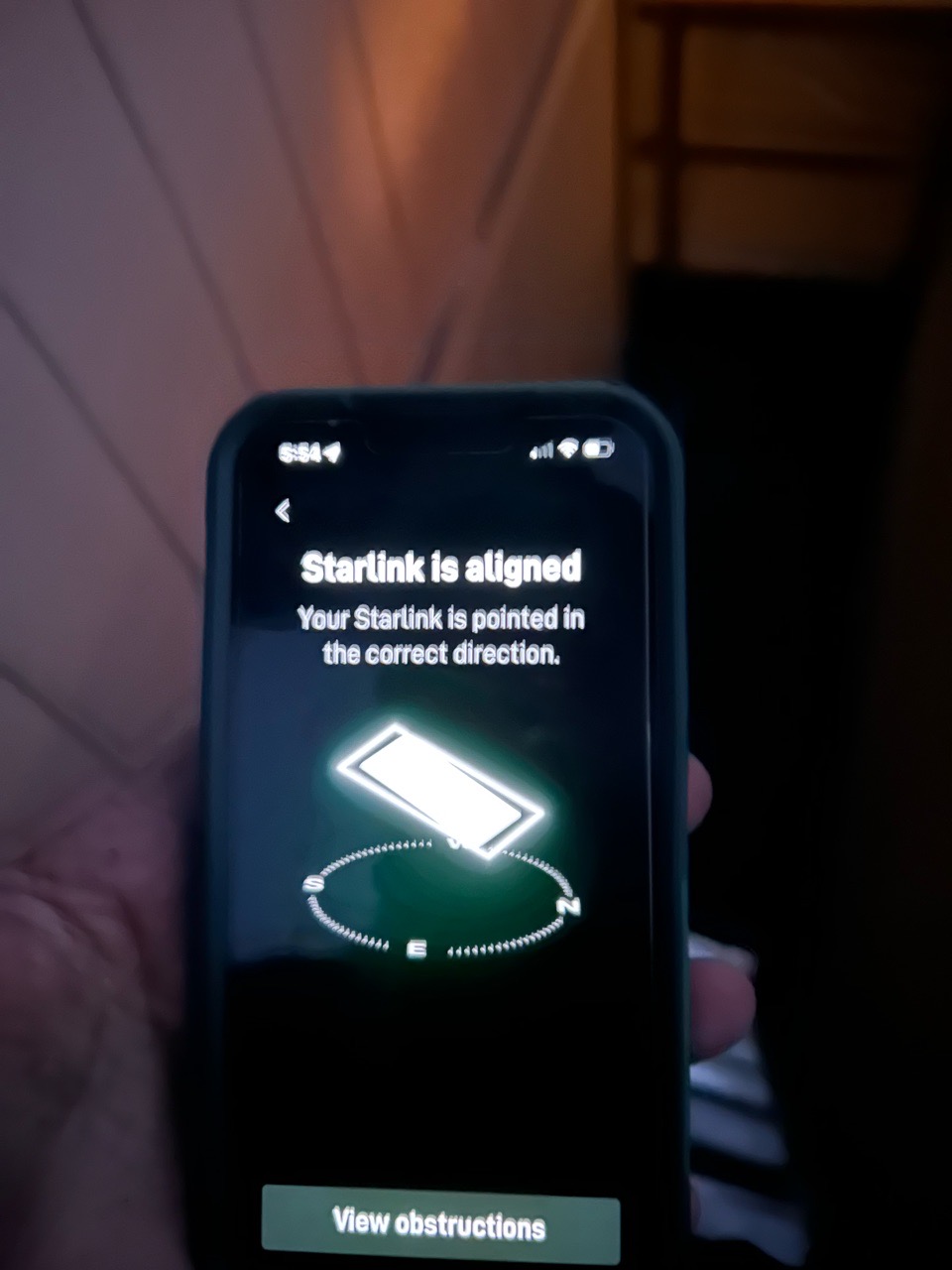
To complete the installation process, our team performed Starlink alignment test to ensure optimal satellite signal reception.
Following the alignment, we conducted a Starlink speed test to evaluate the overall performance of the internet connection. This test measured essential metrics such as download speed, upload speed, and network latency, critical indicators of connection quality and stability.
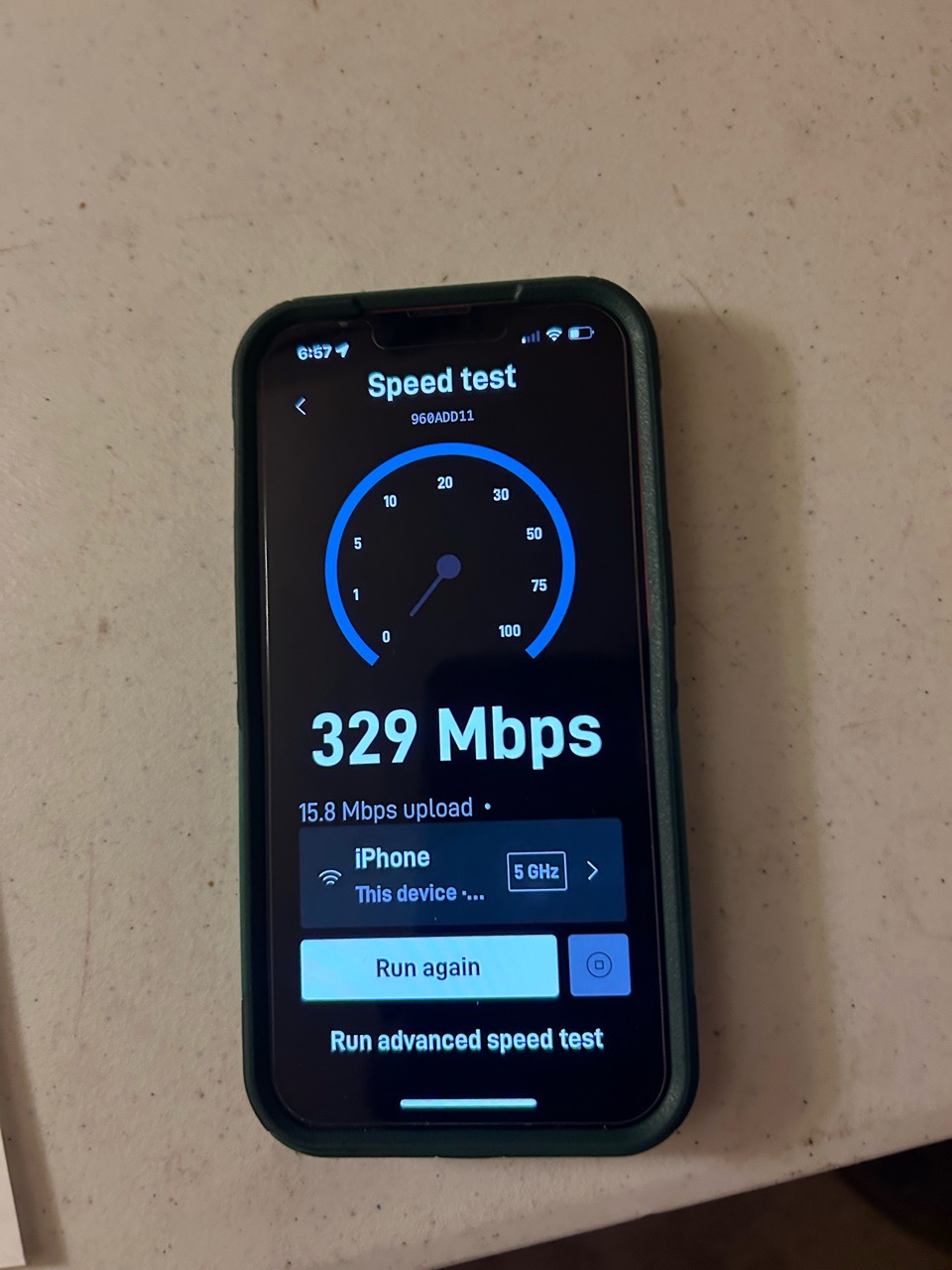
This Starlink speed test shows impressive performance, particularly for a rural or remote internet setup.
🔹Download Speed (329 Mbps): Excellent for streaming in 4K, video conferencing, gaming, and downloading large files. Well above average for Starlink; typical download speeds range from 50–250 Mbps.
🔹Upload Speed (15.8 Mbps): Good for most tasks like Zoom calls, sending files, and livestreaming.
Note: Please note that Starlink may take 20–30 minutes to fully download all firmware updates and synchronize with the Starlink Low Earth Orbit (LEO) satellite network. Optimized speeds usually took upto 12 hours.
CONSULT WITH OUR TEAM OF STARLINK INSTALLATION SMEs
CALL 1-844-799-0258 FOR A COMPLIMENTARY STARLINK CONSULTATION TODAY!
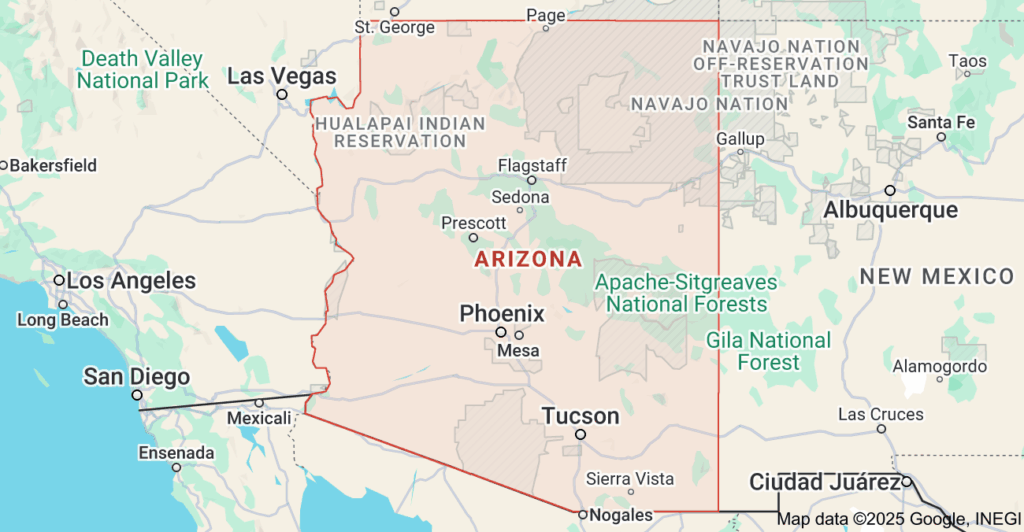
We have professional Starlink installers in areas near Show Low, AZ:
DID YOU KNOW:
Starlink handle weather, snow, and extreme temperatures? Starlink is designed and tested to handle extreme temperatures (which also varies by Starlink model), including snow, hail, sleet, heavy rain, wind and extreme heat. In fact, Starlink has a Snow Melt featureStarlink can melt snow! Yes, you read it right. The Snow Melt feature is accessible through the Starlink App for Android & for Mac/iPhone:
Starlink app > Navigate to Settings > Starlink > Snow Melt > Select the preferred mode
Starlink dish will actually heat up to keep ice off the Starlink dish and prevent service degradation during the winter season. Still, we recommend leaving your Snow Melt settings to AUTO and installing your Starlink in a place that minimizes snow accumulation for optimal performance.
Thank you for reading our Starlink installation articles.