Military Veteran Discount: $50 OFF


Military Veteran Discount: $50 OFF
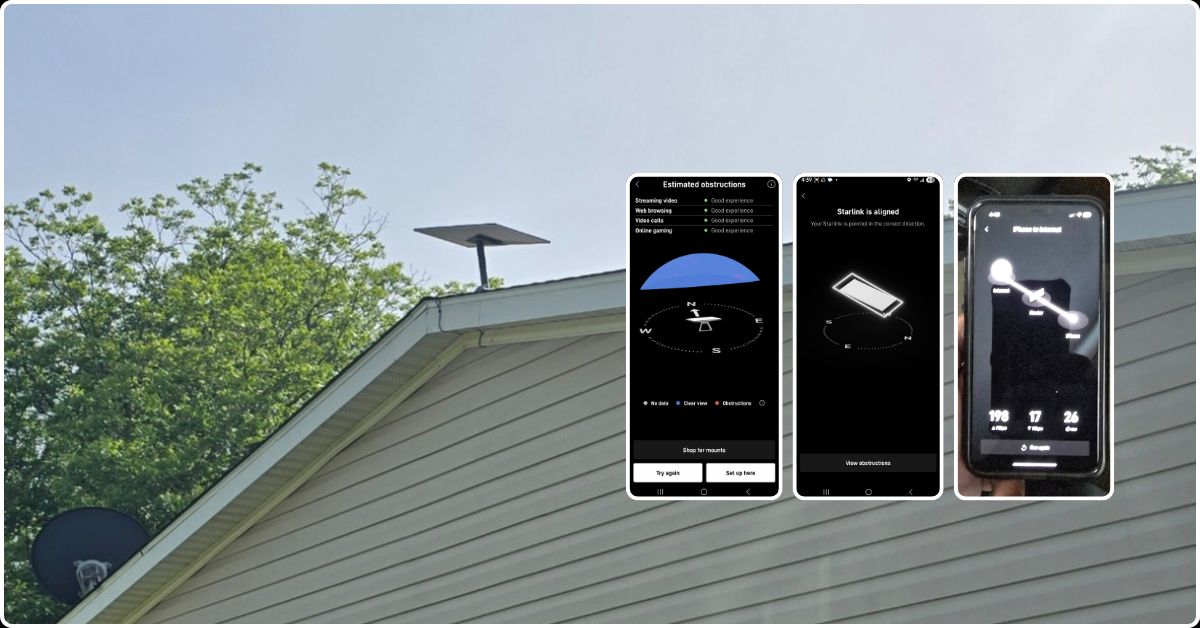
ProSat Networks 1-844-799-0258 is a professional Starlink installer and IT network services provider serving Rayville, LA, and communities throughout Louisiana. We specialize in Starlink installation, Wi-Fi network design, structured data cabling, network infrastructure installation, security camera systems, and managed IT services for businesses, residential properties and maritime applications. This article features a successfully completed Starlink installation in Rayville, LA for the residential property.
To book your installation or to request a quote, please call 1-844-799-0258 or use our Contact Us form.
🔹Property Size: 1600 sqft, single-family-home
🔹Floors: One-story home
🔹Roof Type: Asphalt shingle
🔹Starlink Equipment: Customer already has Starlink Standard kit
🔹Mounting Equipment: Pivot mount
Our certified network engineers received a service request for Starlink installation in Rayville, LA and for Wireless Network Installation in Rayville, LA. A professional service was provided by conducting the following processes:
An initial offsite assessment is carried out to determine the structural property of the home. This involves analyzing satellite imagery and requesting onsite photos from the customer. This allow to identify the installation points, the roof type, appropriate mounting equipment, any obstructions onsite and cable routing path. This critical evaluation allowed us to determine the necessary materials, equipment, tools and manpower to ensure an efficient Starlink installation.
After the initial offsite assessment, we received the customer’s approval for the job order and arranged the installation schedule with our Starlink installers in Rayville, LA
Our Starlink installation team arrived onsite to perform the following scope of work:
🔹Install the Starlink Standard kit using Pivot mount.
🔹Route the cable from the Starlink dish to the indoor Gen3 WiFi mesh router.
🔹Place the routers in the approved location of the customer for optimal coverage throughout the home.
🔹Activate & configure the Starlink Gen3 WiFi mesh router.
🔹Guide the customer on how to use the Starlink App.
🔹Test and document the installations with photos.
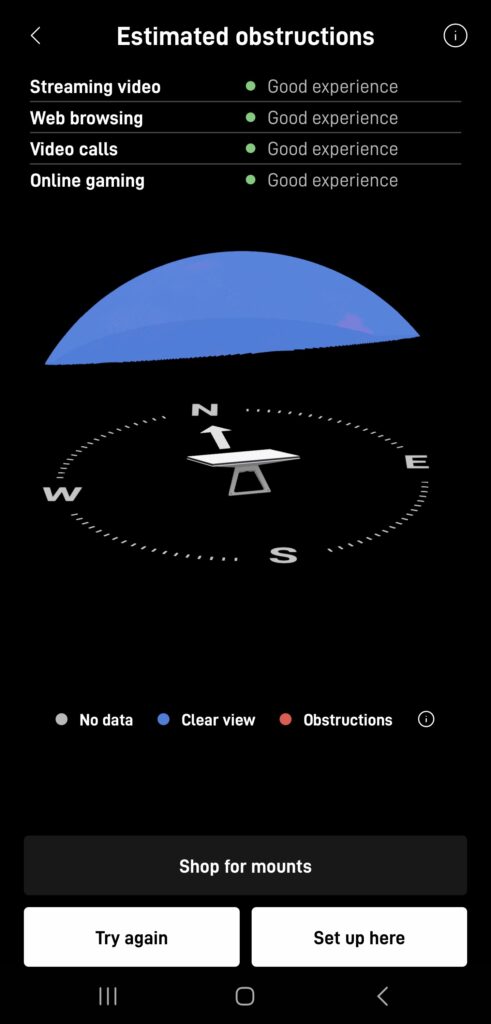
To begin the Starlink installation, a Starlink obstruction test was performed to identify the best location for the dish and verify a clear line of sight to the Starlink satellite network. The test returned a "Good Experience" rating, confirming that the selected installation location was well-suited to provide a strong and stable internet connection.
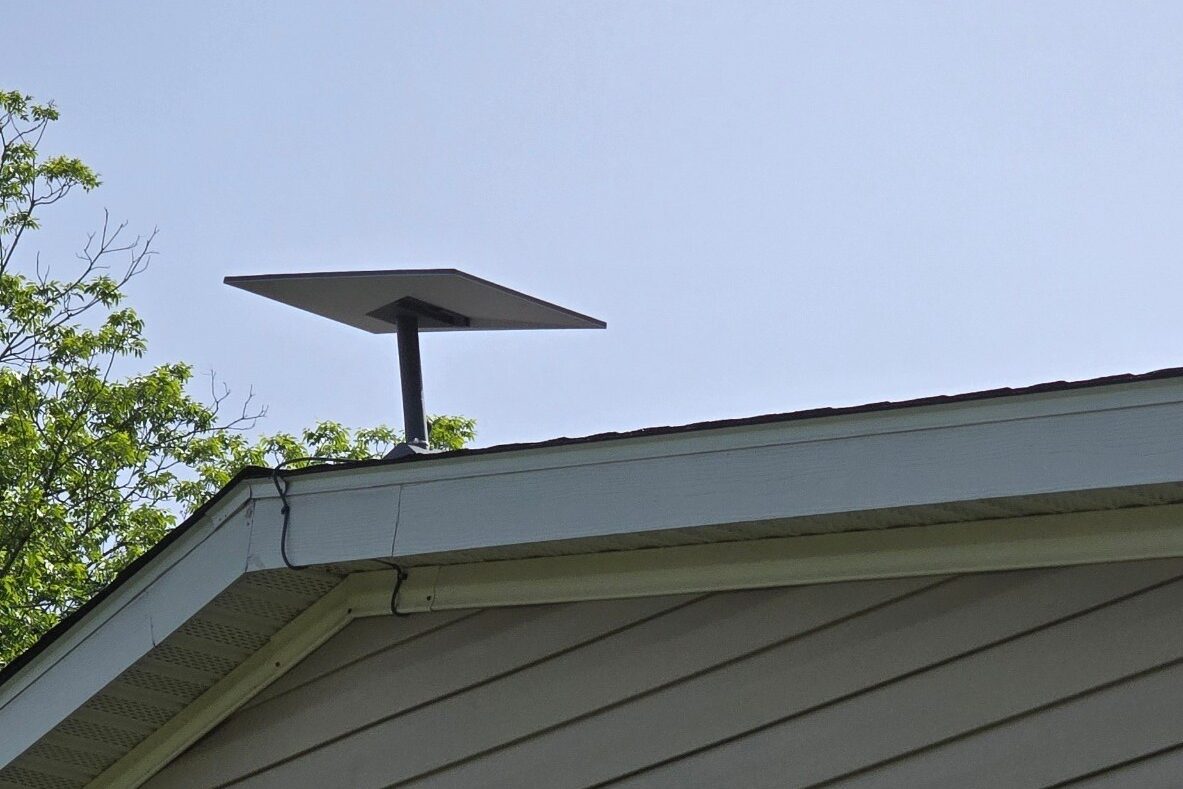
Our team securely installed the Starlink dish using a pivot mount, ensuring both a stable setup and optimal signal reception. Positioned at the roof peak, the mount offers a clear line of sight to the sky, minimizing potential obstructions like trees or nearby structures.
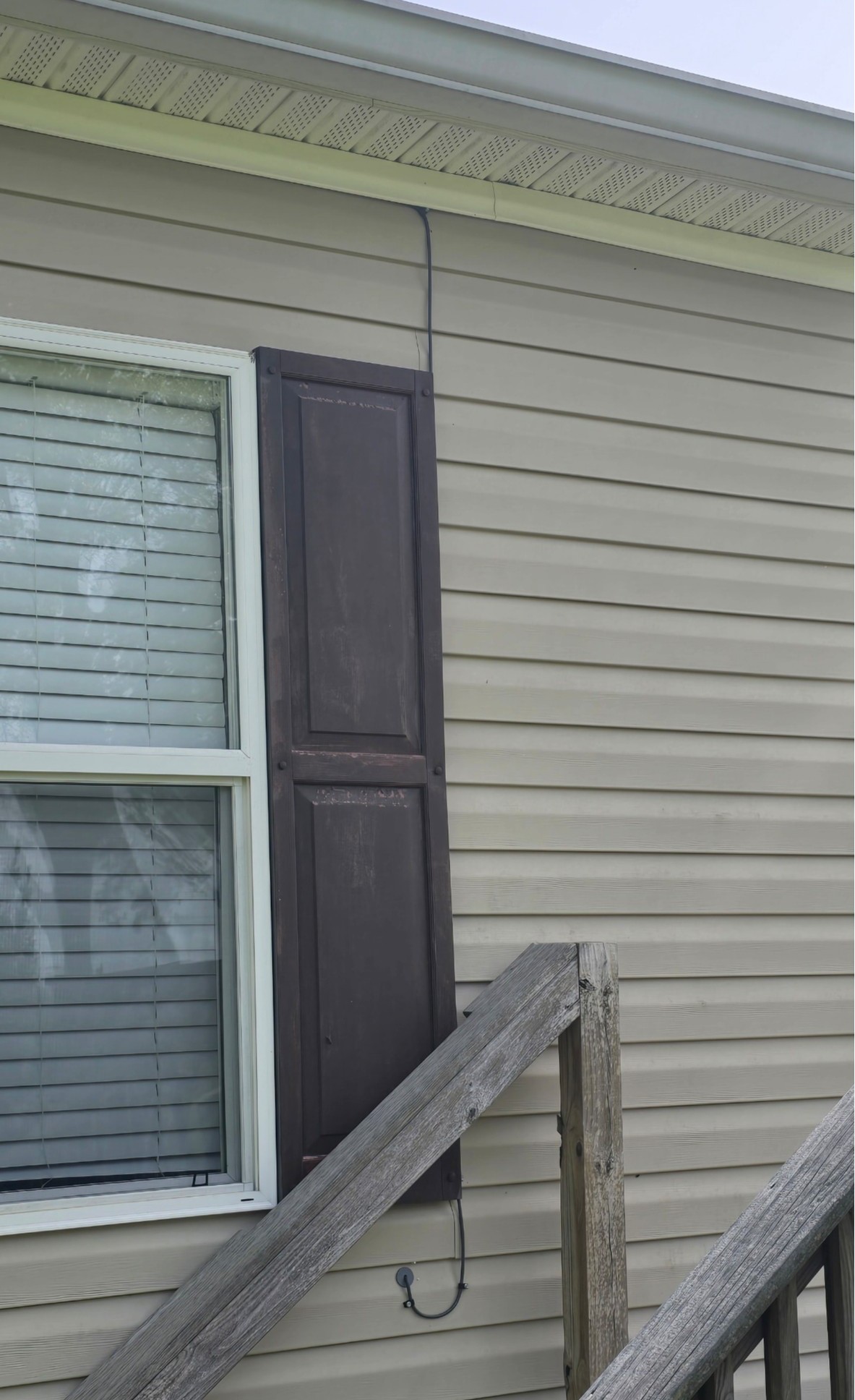
Using a cable routing kit to ensure a clean, weather-resistant installation for proper sealing and cable management. Ther Starlink cable is neatly routed and connected from the outdoor dish to the indoor Gen 3 router, placing it in a customer-approved location to optimize WiFi coverage and signal strength throughout the home.
The Gen 3 router is powered on and the Starlink equipment initializes and complete the boot-up process. Activation and configuration of the Starlink syste were completed successfully.
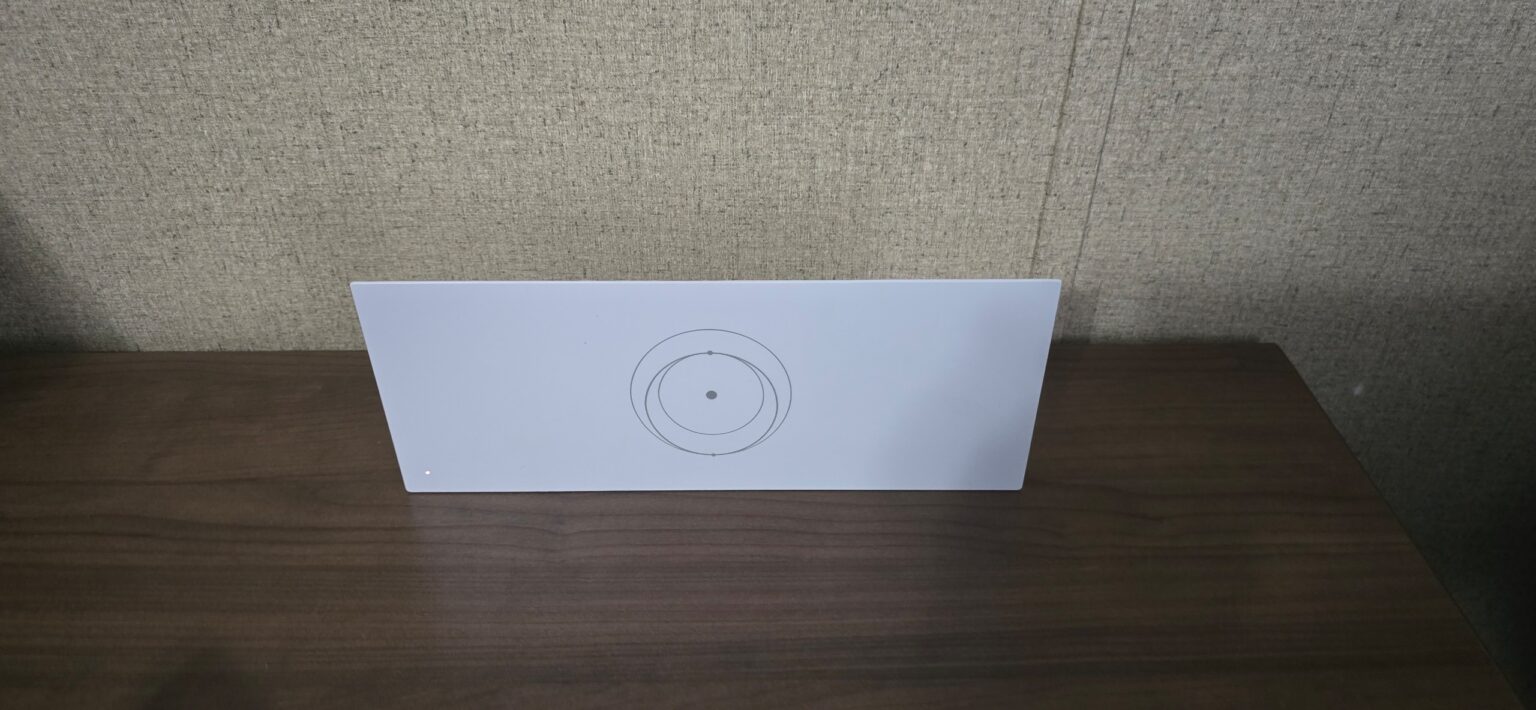
The customer was assisted with connecting their devices to the network and was provided with a walkthrough of the Starlink App, including basic features and network management.
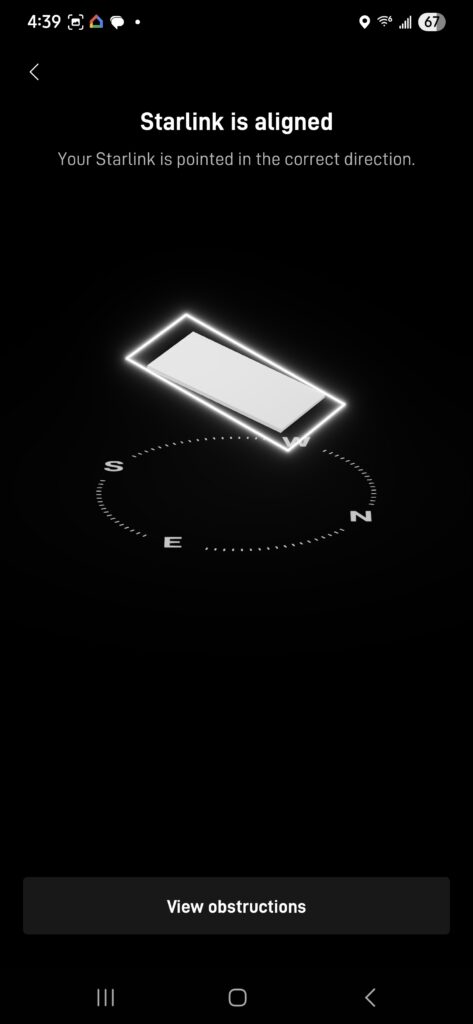
After the installation, a Starlink alignment test is performed to verify that the dish is properly positioned for reliable and uninterrupted satellite connectivity. The alignment is evaluated based on key factors such as elevation angle, azimuth orientation, and the presence of potential obstructions, including trees, buildings, and nearby structures, to achieve the best possible signal performance.
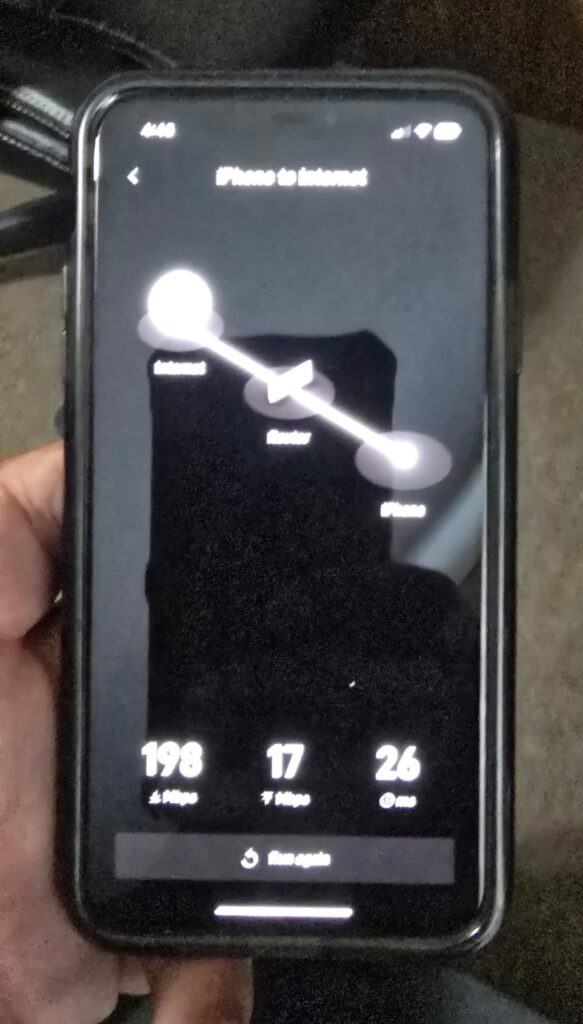
Then the system’s internet performance is verified by running the Starlink Speed test. The connection from the iPhone to the internet via the router achieved a download speed of 198 Mbps, an upload speed of 17 Mbps and a latency of 26 milliseconds.
It’s important to note that Starlink may require up to 12 hours to fully optimize its connection. During this initial period, temporary speed fluctuations or brief dropouts may occur. However, once the system stabilizes, it delivers a reliable and high-speed internet connection.
👉 Contact us at 1-844-799-0258 for inquiries.
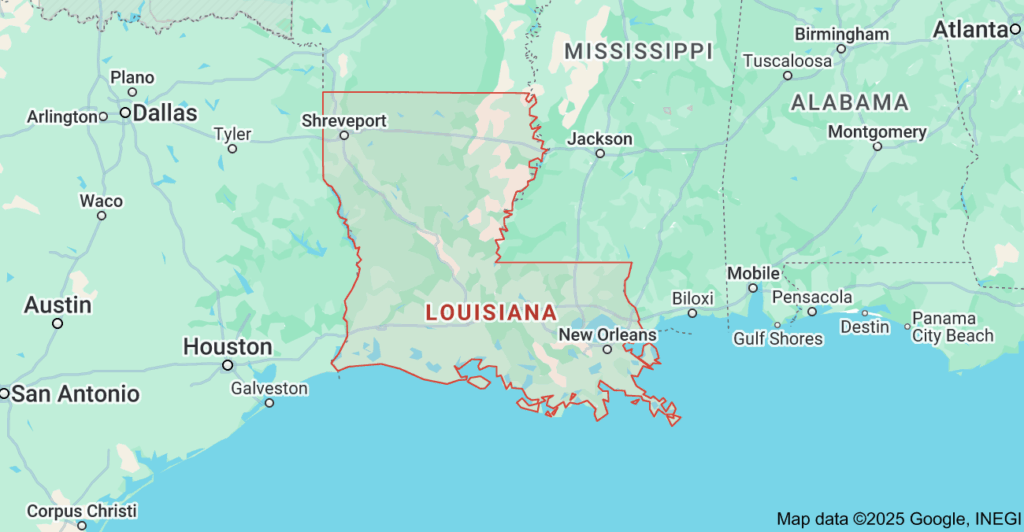
DID YOU KNOW?
Rayville, LA is a small town known for its rich history, Southern hospitality, and close-knit community. It’s also known for the successful football program at Rayville High School, which has produced several notable NFL players. Additionally, Rayville is the birthplace of several notable figures, including singer Tim McGraw and NFL player Fred Dean.