Military Veteran Discount: $50 OFF


Military Veteran Discount: $50 OFF
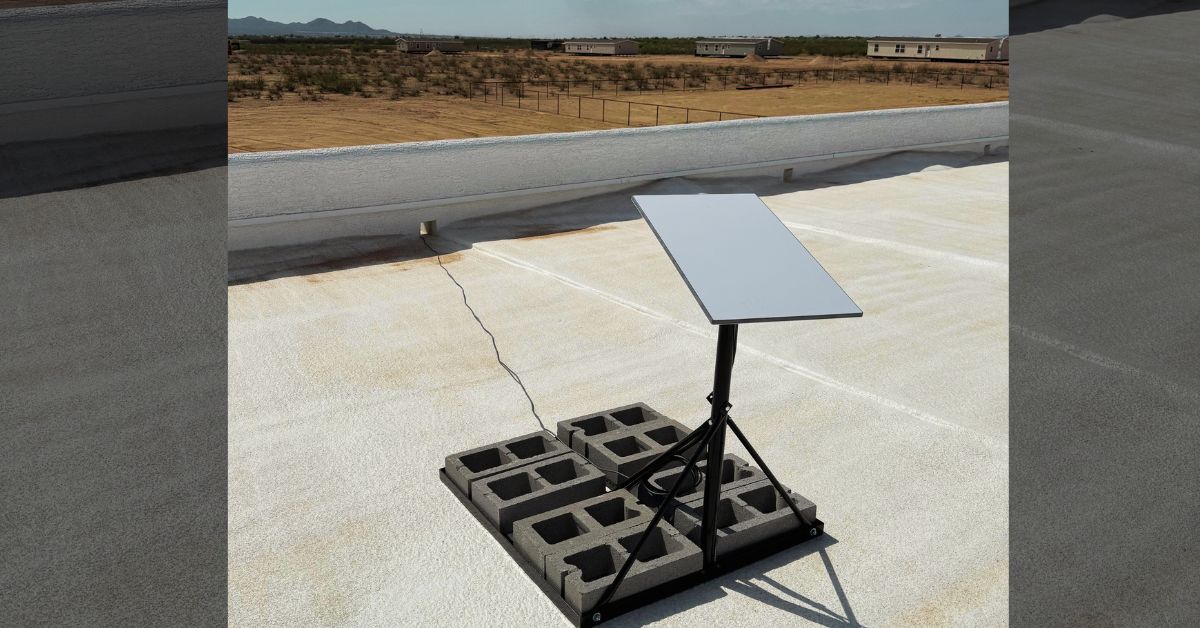
ProSat Networks 1-844-799-0258 successfully completed Starlink installation in Peoria, AZ for a recreational vehicle (RV). ProSat Networks offer professional Starlink installation, IT network solutions and managed IT support services for commercial businesses, residential homes, RV parks, campgrounds, resorts, hotel, construction sites, farm, airplane hangars and mining facilities across Arizona.
For booking of installation or for request a quote, 📞 call 1-888-973-9855 or fill out our Contact Us form.
🔹Location: Peoria, AZ
🔹Property Type: Residential home
🔹Property Size: 1,845 sqft, one-story
🔹Roof Type: Flat roof
🔹Starlink Kit: Standard kit
🔹Mount Solution: Non-penetrating roof mount
Our certified network engineers received a service request for Starlink installation in Peoria, AZ . Our team provided a professional service by carrying out the following tasks:
An initial offsite assessment was conducted o identify the structure of the property, roof typr, potential obstructions, mounting solution, potential installation points for the dish and cable routing path. This assessment allowed us to determine the needed materials, equipments, tools and manpower necessary for an efficient Starlink installation.
After the initial offsite assessment, our team sent an installation proposal to the customer for review and approval. Once approved and all materials and equipment are available onsite, the installation schedule is coordinated with our professional Starlink installers in Peoria, AZ.
Our professional Starlink installers arrived as scheduled to perform the following scope of work:
🔹To install the Starlink Standard Kit using non-penetrating roof mount.
🔹Route proprietary Starlink cable from the dish to indoor main Starlink Gen3 router's location.
🔹Activate & configure the three Starlink Gen3 WiFi mesh routers and place them on customer approved location with optimal coverage across the home.
🔹Guide the customer on how to use the Starlink App.
🔹Test and document the installations with photos.
Then they begin to mount the Starlink dish using pivot mount to the location that has ”Good Experience” rating. Confirming that the chosen location supports smooth streaming, browsing, video calls and gaming.
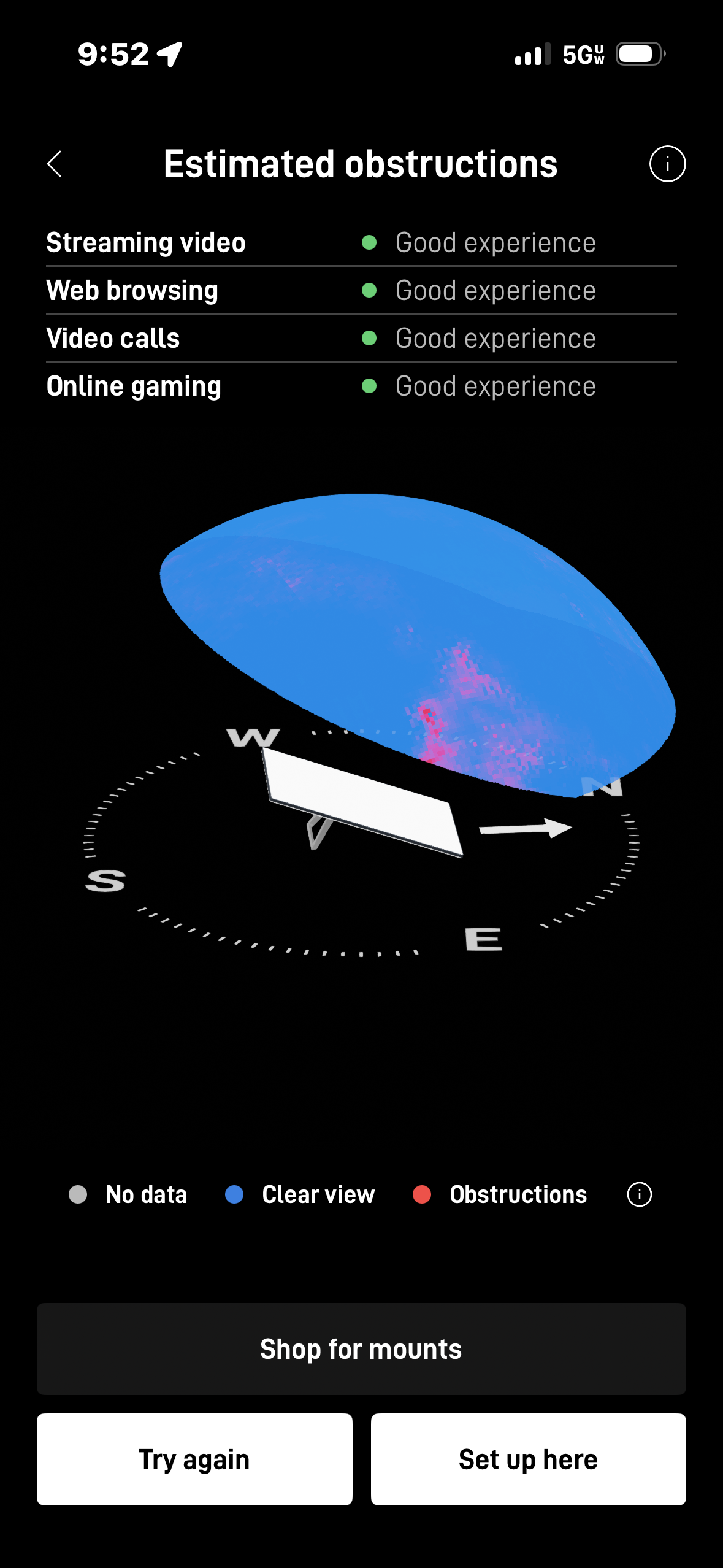
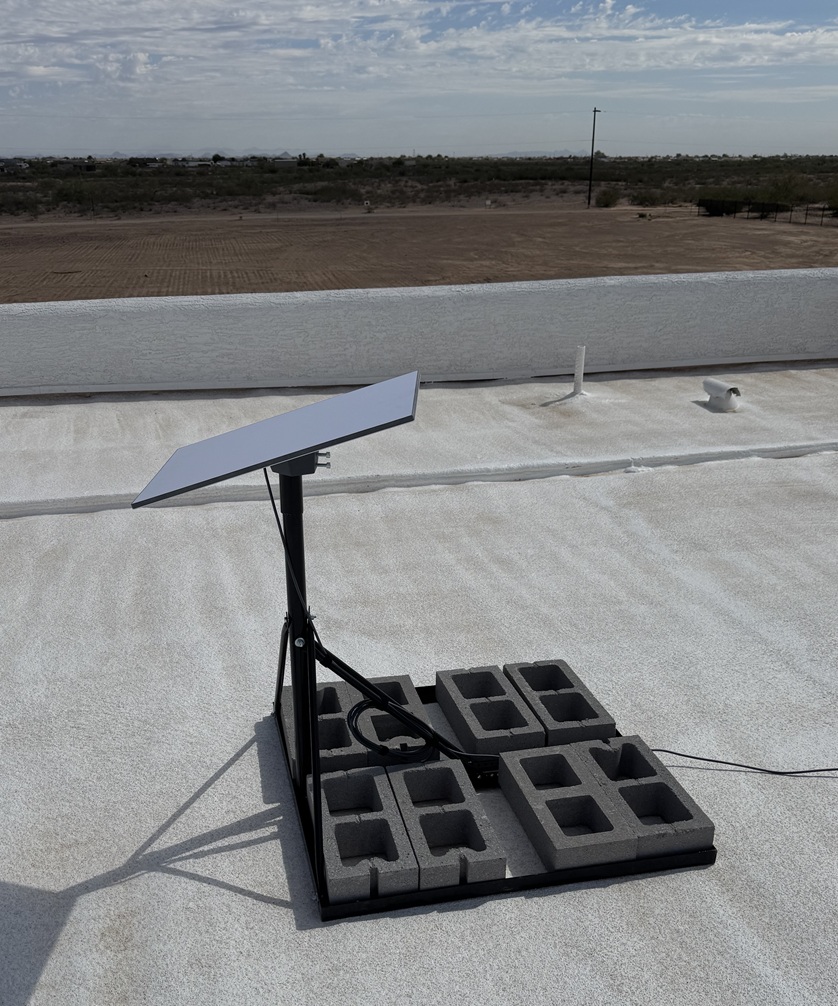
The Starlink dish and non-penetrating roof mount were installed on the flat roof weighted with cinder blocks.
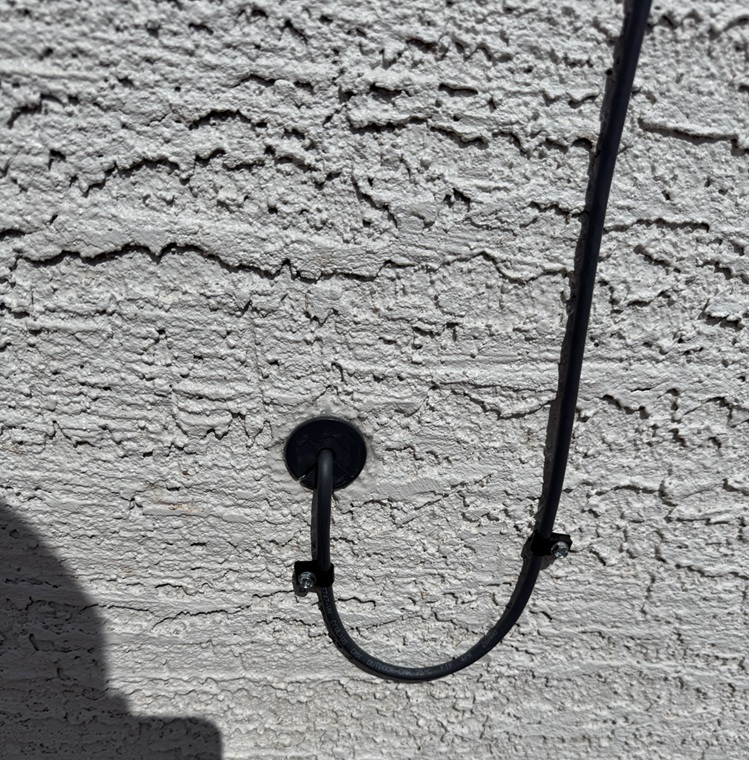
The Starlink cable is carefully routed from the outdoor dish to the indoor location of the Gen3 WiFi mesh router through a cable entry point that is created. The entry point was sealed with grommet and weatherproof sealant.
Next, the cable was plugged in to the Gen3 router. Powered on, activated and configured with the customer’s preferred network name called SSID and password.
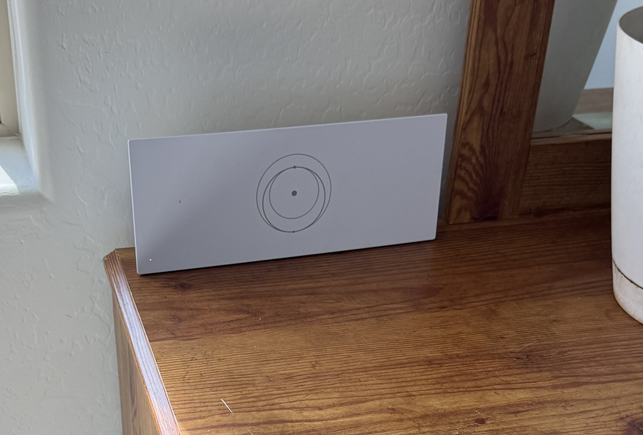
The customer was provided with a walkthrough on how to use the Starlink App's key features, including:
🔹Managing their SSID
🔹Resetting their WiFi password
🔹Running speed tests
🔹Refreshing or resetting the Starlink network
🔹Troubleshooting common connectivity issues
After the installation, our team performed a Starlink alignment test to to verify the optimal positioning of the dish for uninterrupted satellite connectivity. This process involved carefully assessing the dish’s alignment and placement, considering key factors such as elevation angle, azimuth direction and potential obstructions like trees, buildings, or other structures.
Then, the Starlink speed test was conducted after 20 minutes of the installation to evaluate the internet performance. It is important to note that Starlink requires approximately 12 hours to fully optimize its connection with the satellite network after initial setup. During this period, the system actively scans the sky, connects to available satellites, and optimizes its positioning to ensure the best possible signal strength and stability. Users may experience fluctuations in connectivity, speed, or brief dropouts as the dish fine-tunes its alignment and establishes a consistent link with the satellite constellation. The connection stabilizes once the synchronization process is complete, delivering reliable high-speed internet performance.
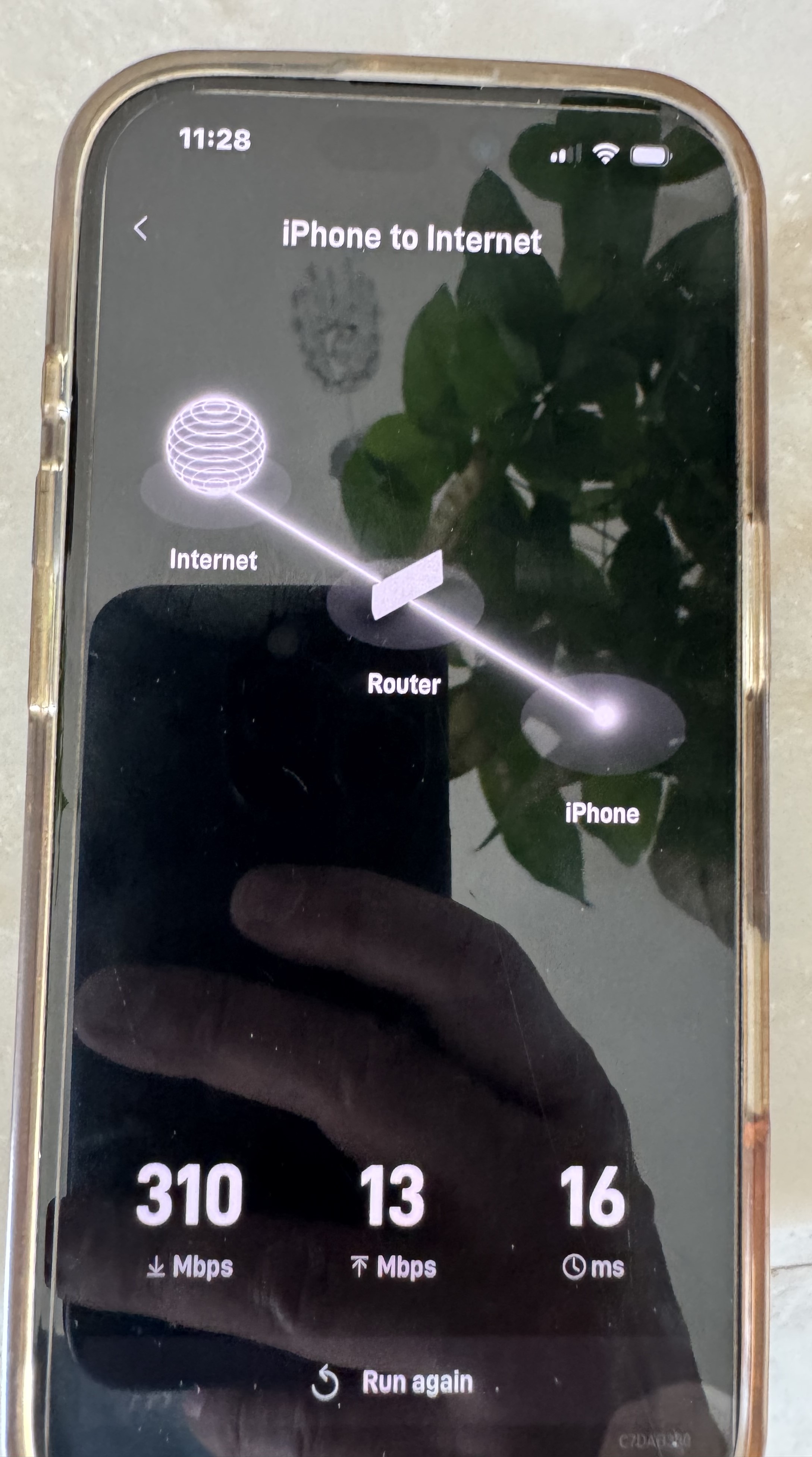
This is a good internet speed test result providing a seamless online experience for most applications.
Call us at 1-844-799-0258 to schedule your Starlink installation or to address any service-related inquiries.
DID YOU KNOW?
Peoria is one of the fastest-growing cities in the Phoenix metropolitan area and is home to the Peoria Sports Complex, the spring training home of Major League Baseball teams the San Diego Padres and Seattle Mariners. The city is also known for Lake Pleasant Regional Park, a major destination for boating, fishing, camping, and outdoor recreation in Arizona.
Thank you for reading our Starlink installation articles.