Military Veteran Discount: $50 OFF


Military Veteran Discount: $50 OFF
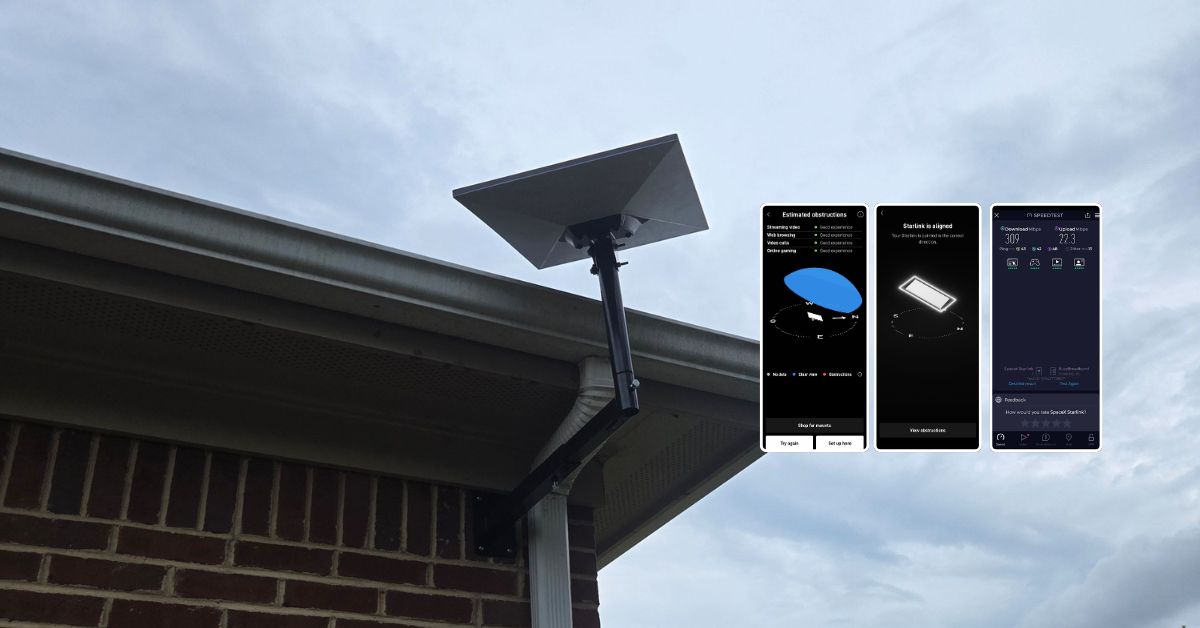
ProSat Networks 1-844-799-0258 is a professional Starlink installer and IT network services provider serving Montgomery and communities throughout Illinois. We specialize in Starlink installation, Wi-Fi network design, structured data cabling, network infrastructure setup, security camera systems, and managed IT services for businesses, residential properties and maritime vessels. This article features a successfully completed Starlink installation in Montgomery, AL for a residential property.
👉 To book your Starlink installation, call us at 1-844-799-0258 or request a quote through our Contact Us form.

🔹Location: Montgomery, AL
🔹Property Type: Residential home
🔹Property Size: 2,290 sqft.
🔹Level: One-story home
🔹Roof Type: Shingle
🔹Starlink Kit: Standard Kit
🔹Mount Solution: Adjustable Mount
🔹Router Location: Center of the home
🔹HOA Restrictions: None
Our certified network engineers received a service request for Starlink and wireless network installation in Montgomery, AL. To process the service request, the following steps were carried out:
After receiving the service request, an offsite assessment was performed through satellite imagery and onsite photos requested from the customer. This allows us to evaluate your property's structure, identify potential signal obstructions, mounting location and cable routing plan. This also helps to identify the right materials and equipment needed for a hassle-free on-the-day installation.
After the assessment, the installation plan was submitted to the customer for review and approval. Upon approval and availability of the Starlink equipment onsite, the installation schedule was coordinated with our certified Starlink installers in Montgomery, AL.
The Starlink installation team arrived onsite as scheduled to perform the following scope of work:
🔹Installing the Starlink Standard dish on an adjustable wall mount at the back of the property.
🔹Routing the cable from the dish to a designated location of Gen3 WiFi mesh router inside the home.
🔹Drilling a clean pass-through hole for the cable.
🔹Setting up and configuring your Starlink Gen 3 router for the best possible performance.
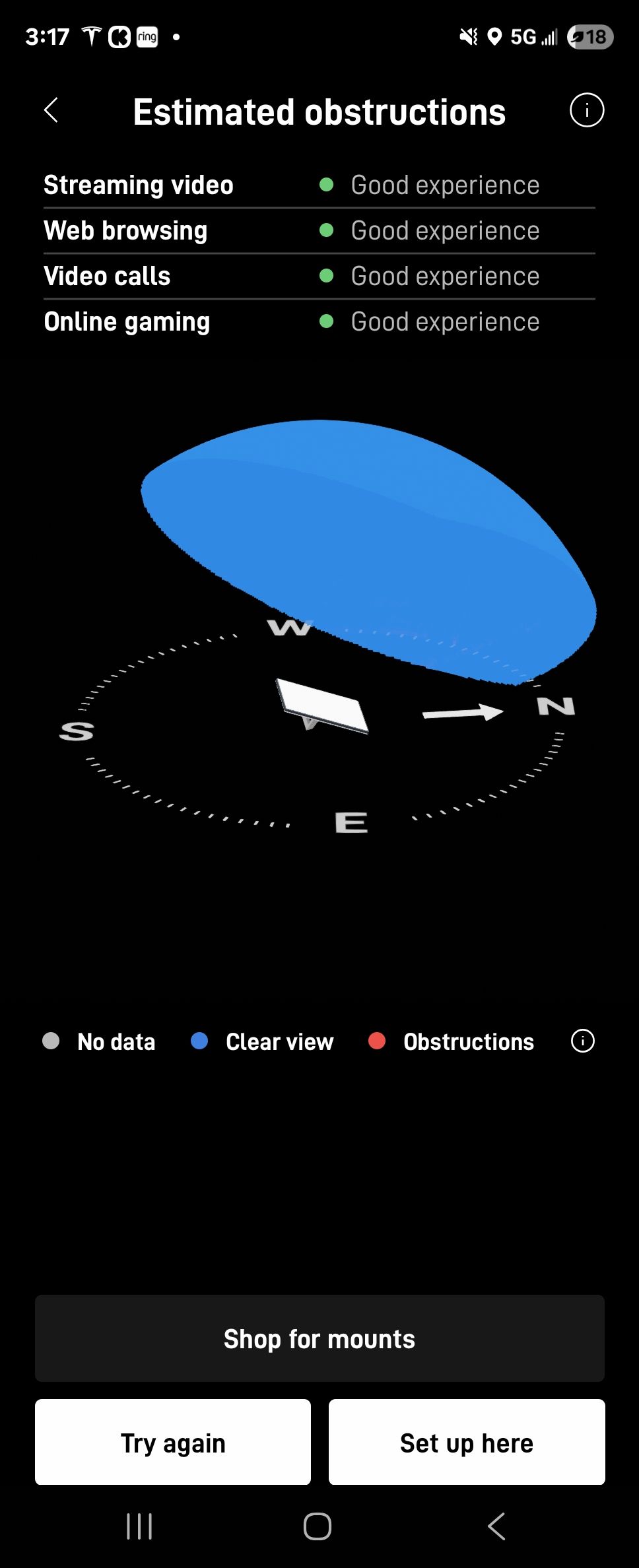
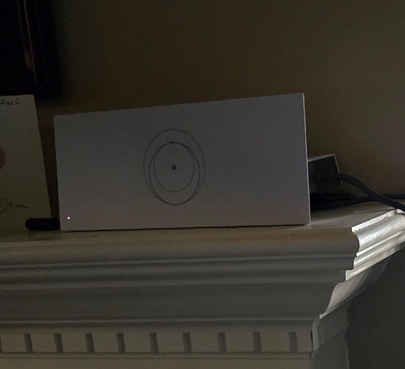
The Starlink dish was mounted on the optimal location verfied by the Starlink obstructions test. The chosen location was verified to have a 'Good Experience' rating in various online activities as shown in the image below.
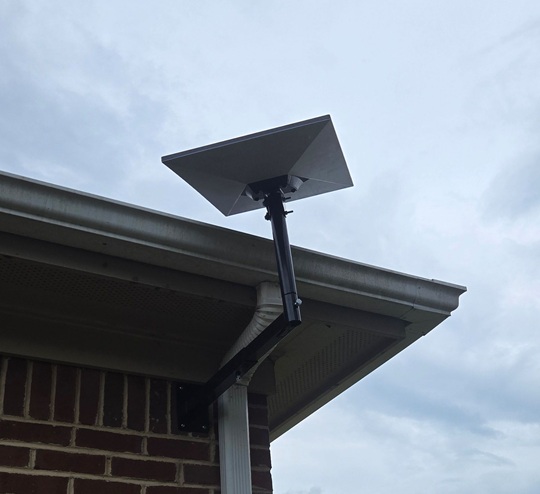
The Starlink dish was securely mounted on the wall using an adjustable wall mount. This type of mount allowed for precise positioning of the dish, ensuring it had a clear, unobstructed view of the sky for optimal signal reception. The mount was attached to the brick wall siding of the house below the gutter line, providing a stable placement for the dish.
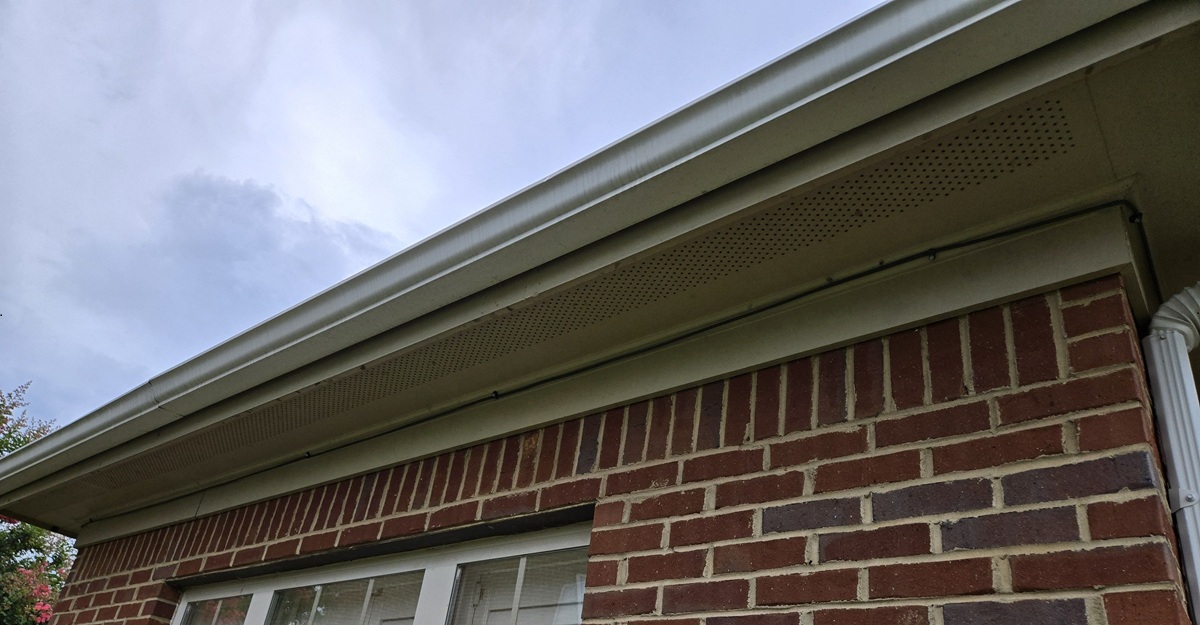
Upon the completion of the dish installation, the team routed the Starlink cable along the exterior wall (eaves) of the house. Secured with wall clips for neat and professional discreet appearance.
Connected the Starlink cable to the Gen3 WiFi mesh router. Then the router was turned on, activated and configured for user's SSID and password. The customer was provided with a walkthrough on how to use the Starlink app.
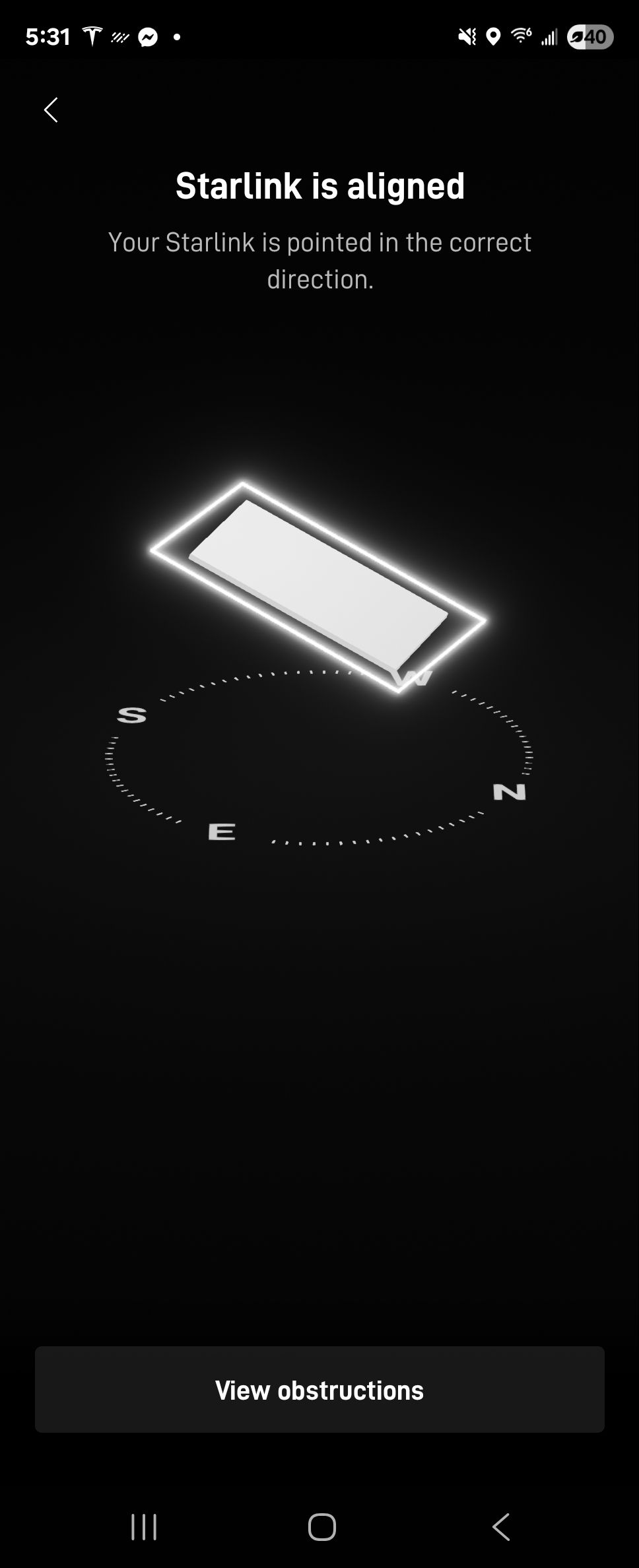
With the installation complete, a final alignment test was performed for the the precise dish positioning to the satellite network.
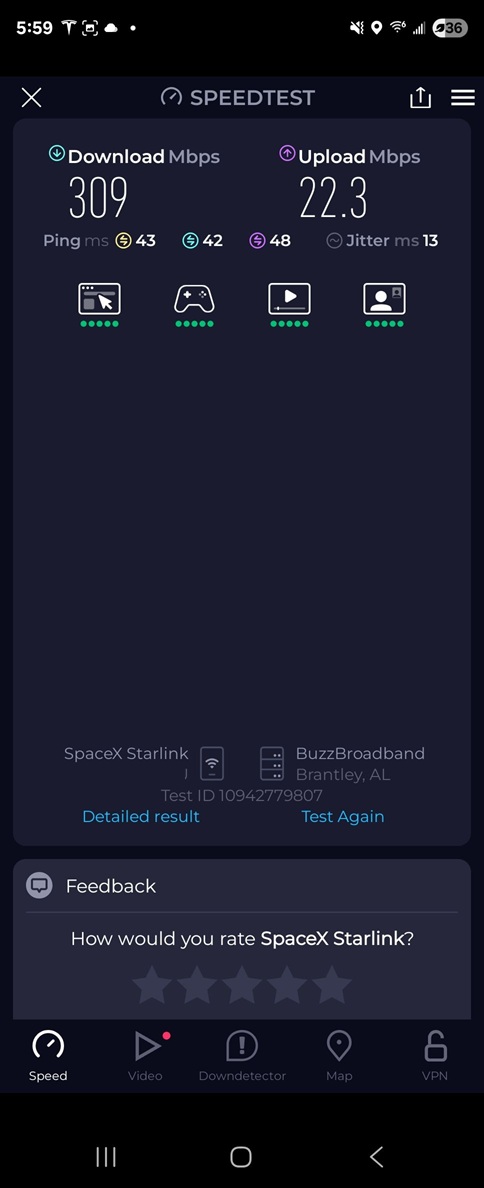
To verify performance, a Starlink speed test was conducted. The results confirmed excellent satellite internet connectivity, with a download speed of 309 Mbps, an upload speed of 22.3 Mbps and 43 ms of latency. This high-speed broadband is more than capable of supporting demanding online activities such as 4K video streaming, large file downloads, video conferencing and multiple users simultaneously.
Call us at 1-844-799-0258 for your free consultation or fill-out our Contact Us form for the request a quote.
.jpg)
DID YOU KNOW?
Montgomery, AL, is a city with a rich and pivotal history. It served as the first capital of the Confederate States of America, but it is perhaps most famous for being a central location in the Civil Rights Movement.
Thank you for reading our Installation Articles.