Military Veteran Discount: $50 OFF


Military Veteran Discount: $50 OFF
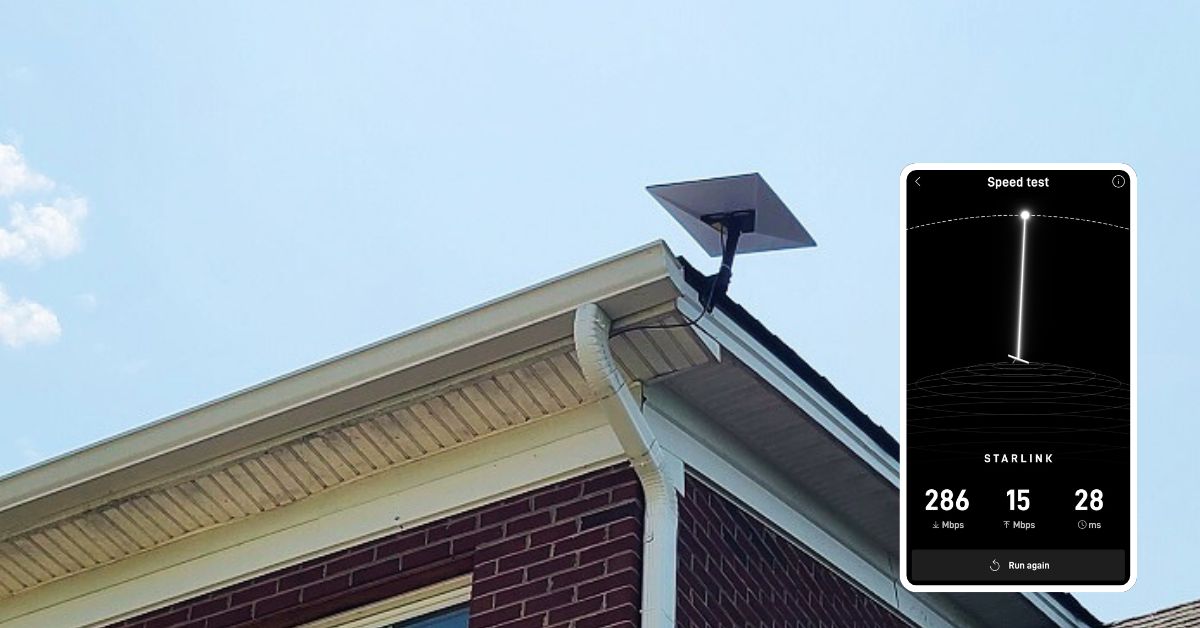
ProSat Networks 1-844-799-0258 recently completed a Starlink installation in Keller, TX, delivering reliable connectivity to a 6,000-square-foot, two-level residential property. Backed by certified network engineers, ProSat Networks specializes in Starlink deployment and full-scope wireless network services, including design, installation, and managed support. The team serves commercial businesses, residential properties, and maritime vessels across Texas, providing tailored network solutions based on site requirements and performance needs.
For installation inquiries and bookings, call 📞 1-844-799-0258 or complete our 📝 Contact Us form to request a quote.
🔹Property Size: Approximately 6000 sqft.
🔹Floors: Two-story single family home
🔹Roof Type: Asphalt shingle
🔹Starlink Equipment: Customer has Standard Actuated with X-base and Gen2 router and has decided to upgrade to Starlink Standard with Gen3 router
🔹Mount: Standard Pivot Mount
🔹 Other details: With third-party mesh router
🔹Preferred installation point: Above the garage on the second floor
ProSat Networks received a service request for Starlink installation in Keller, TX seeking professional assistance in installing their new / upgraded Starlink system. The following procedures were executed to provide efficient service to the customer.
An initial offsite assessment is performed to gather customer requirements and site conditions. The assessment includes:
🔹Assess installation points for the Starlink dish
🔹Nearby obstructions such as trees, structures and others that may interfere with satellite signal.
🔹Mounting equipment to use
🔹Cable routing path
🔹WiFi coverage requirement
Following the offsite assessment, an installation plan is developed for customer approval. Once approved, the installation schedule is coordinated with Starlink installers in Keller, TX.
Our Starlink installation team arrived on-site to perform the following scope of work:
🔹Install the Starlink Standard kit using the Standard Pivot mount
🔹Route the cable from the Starlink dish to the indoor Gen3 Wi-Fi mesh router.
🔹Activate & configure the Starlink Gen3 WiFi mesh router, which will extend to the third party router.
🔹Guide the customer on how to use the Starlink App.
🔹Test and document the installations with photos.
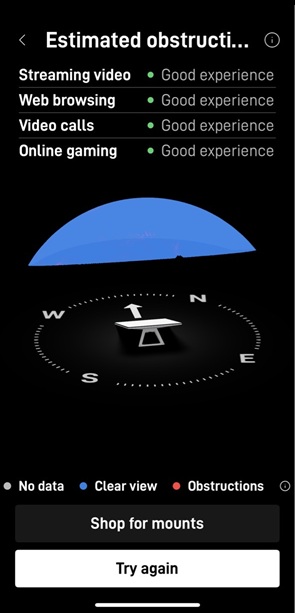
To initiate the installation process, a Starlink Obstructions Test is performed using the Starlink App. This step is to verify if the preferred installation point show a “Good Experience” rating.
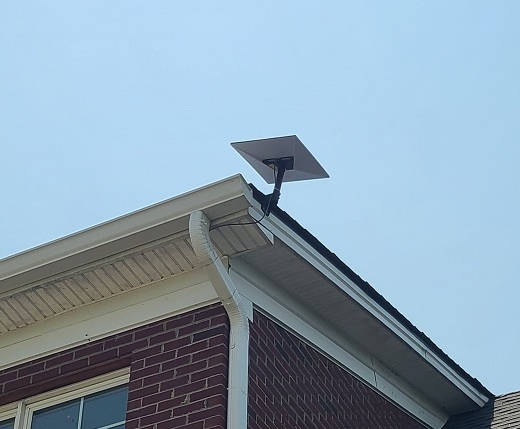
Our team securely mounted the Starlink Standard dish using a Standard pivot mount for maximum stability and signal reception.
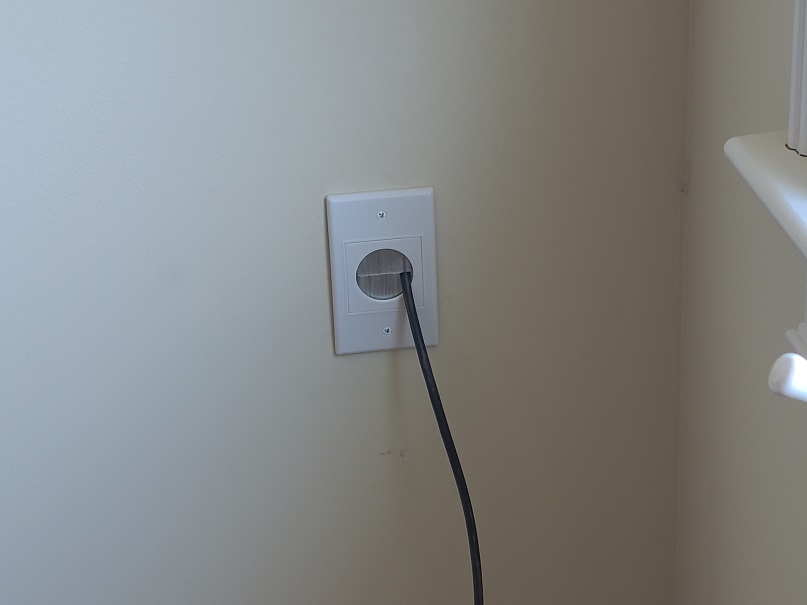
A cable routing kit is used to ensure a clean, weather-resistant cable management. Our team neatly routed the proprietary Starlink cable from the outdoor dish to the dormer (bonus room), and then to the preferred indoor location of the Gen3 Wi-Fi mesh router and third-party mesh router.
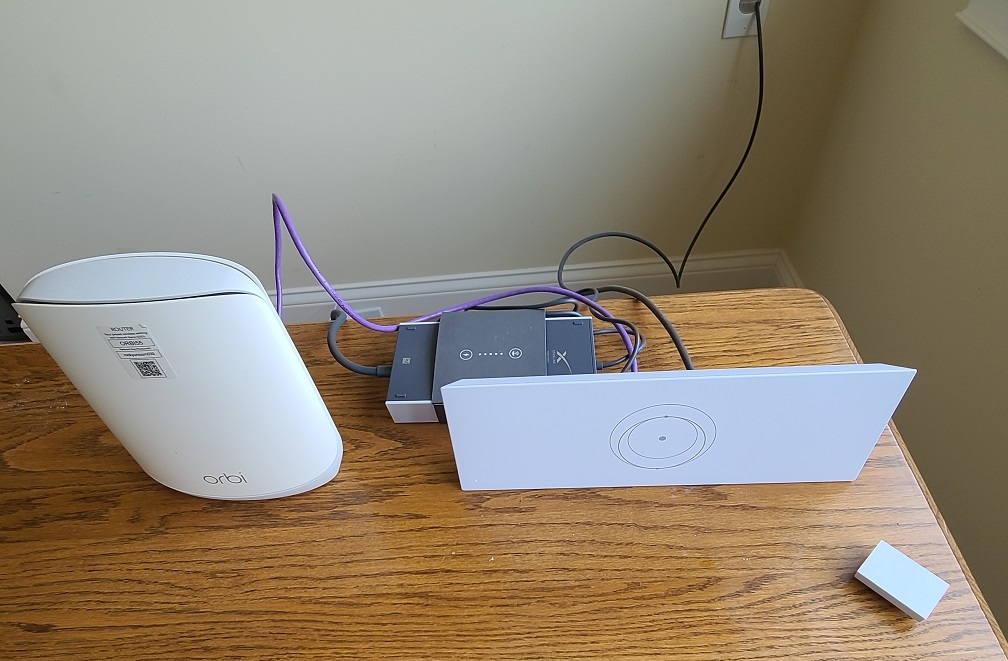
Using the Starlink App, the Gen3 WiFi Mesh router is configured with customer’s preferred network name (SSID) and password. The third-party router was used to extend WiFi coverage and signal strength throughout the home.
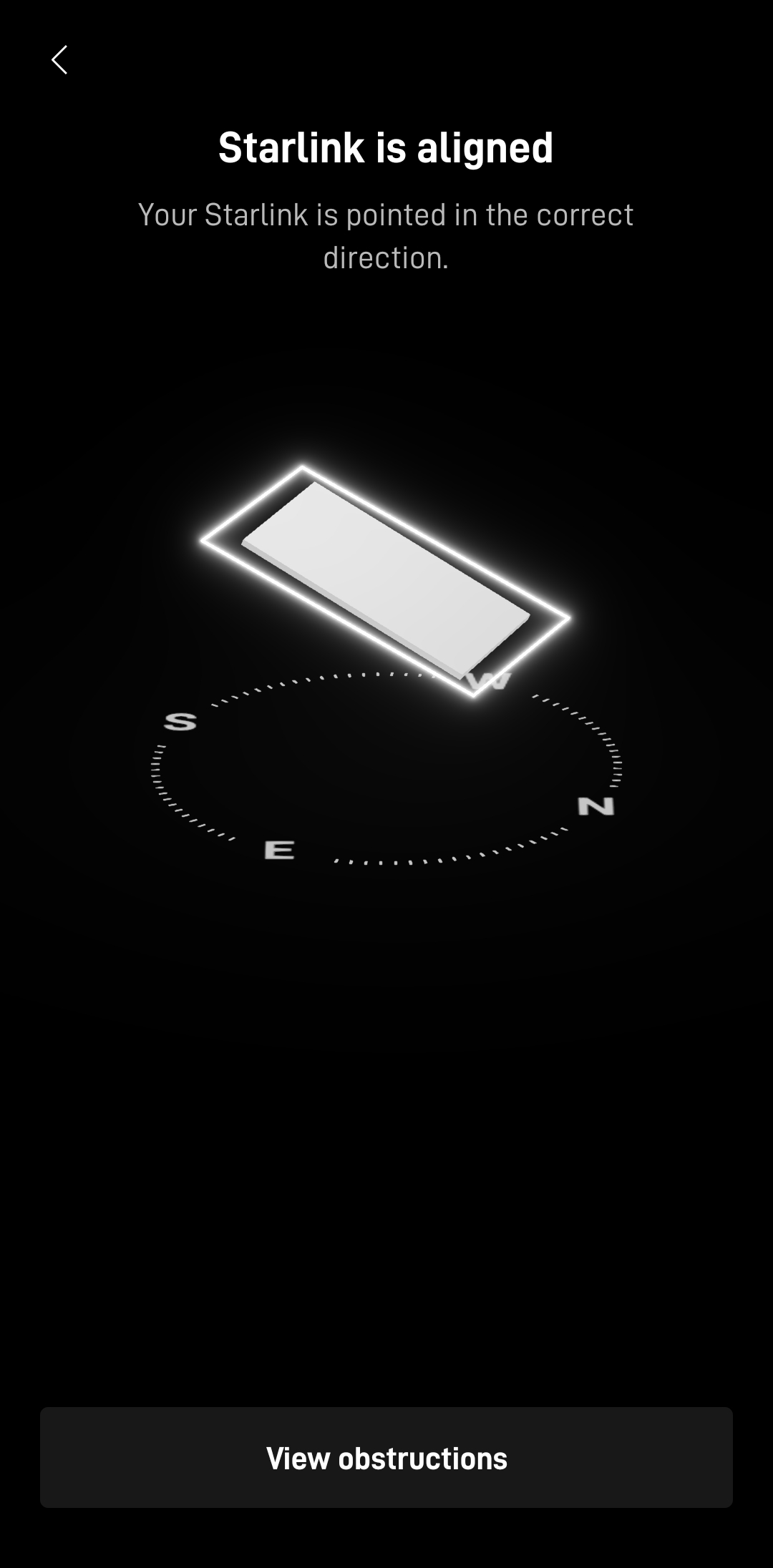
After completing the equipment installations, a Starlink alignment test is performed to confirm the dish was optimally positioned for uninterrupted satellite connectivity. This involved a detailed assessment of the dish’s placement, such as elevation angle, azimuth direction and any possible obstructions like trees, buildings or nearby structures.
Then, the Starlink speed test is conducted to test the system’s internet performance such as download speed, upload speed and latency.
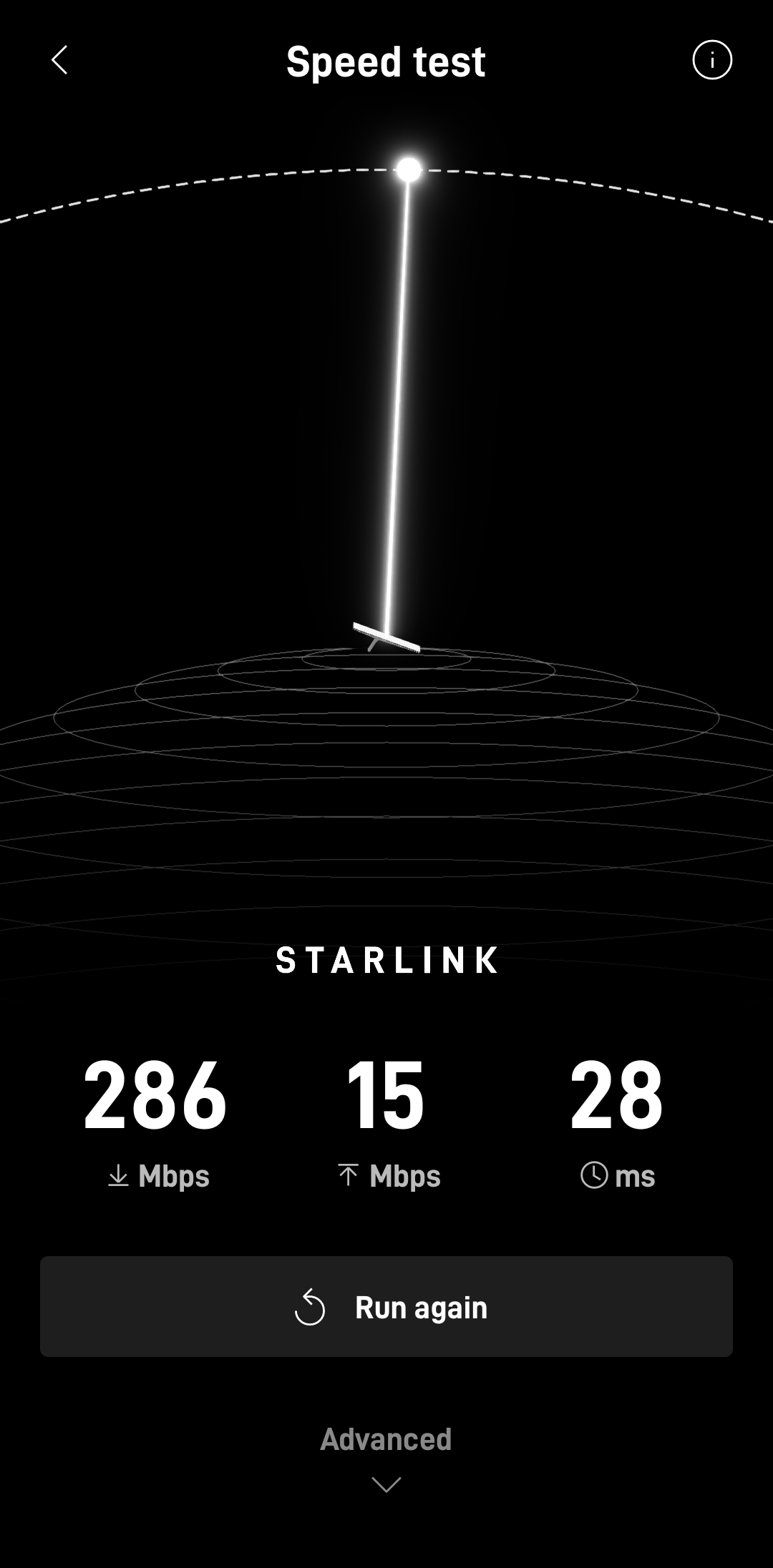
🔹Download Speed: 286 Mbps – Excellent for streaming 4K video, video conferencing, gaming, large file downloads and remote work on multiple devices.
🔹Upload Speed: 15 Mbps – Good for video calls, cloud backups, social media uploads, and general online work.
🔹Latency (Ping): 28 ms– Good enough for most real-time applications like video conferencing and online gaming.
It’s important to note that Starlink may require up to 12 hours to fully optimize its connection. During this initial period, temporary speed fluctuations or brief dropouts may occur. However, once the system stabilizes, it delivers a reliable and high-speed internet connection.
Call 📞 1-844-799-0258 today to book your free consultation for Starlink installation and IT network services.
DID YOUN KNOW?
Thank you for reading our Starlink installation articles.