Military Veteran Discount: $50 OFF


Military Veteran Discount: $50 OFF
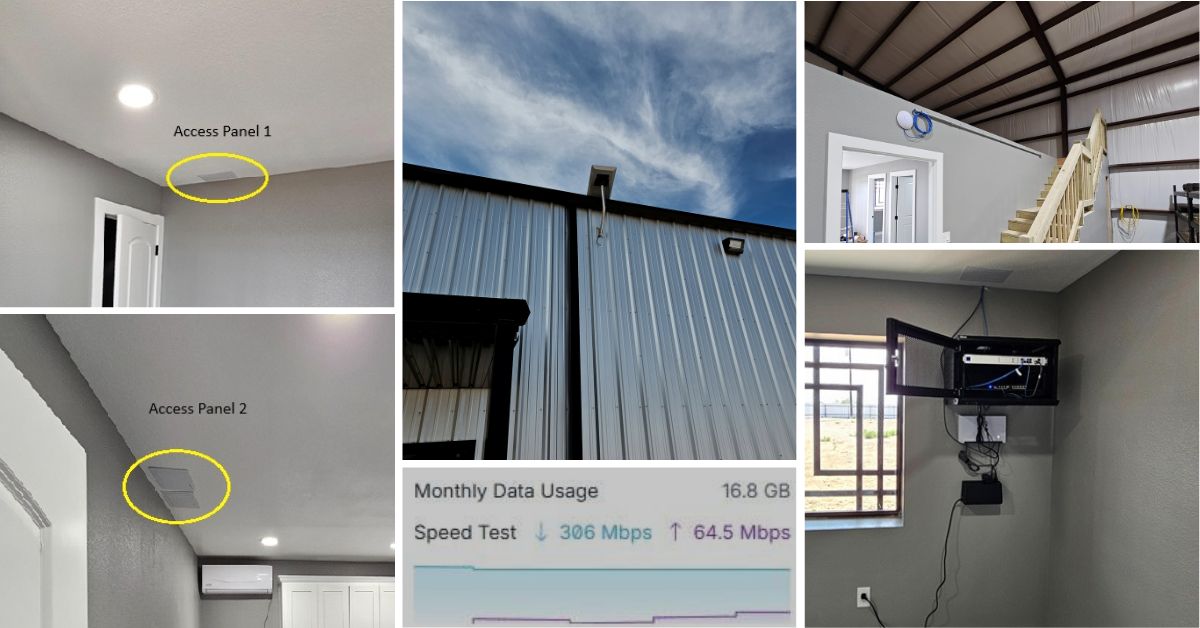
ProSat Networks 1-844-799-0258 is a professional Starlink installer and IT network services provider serving Corpus Christi and communities throughout Texas. We specialize in Starlink installation, Wi-Fi network design, structured data cabling, network infrastructure, security camera systems, and managed IT services for businesses, residential properties and maritime vessels. This article features a successfully completed Starlink, wired and wireless network installation in Corpus Christi, TX for a commercial warehouse property.
To book your installation or to request a quote, please call 1-844-799-0258 or use our Contact Us form.
🔹Location: Corpus Christi, TX
🔹Property Type: Commercial property
🔹Roof Type: Metal
🔹Starlink Kit: Performance Gen 3 Kit
🔹Mount Option: J mount
🔹Starlink Use: Primary internet
🔹Other installation requirements: IT rack, patch panel, UPS and wireless access point installation
Our certified network engineers received a service request for Starlink, wired and wireless network installation in Ukiah, CA. A professional service is provided by conducting the following processes:
An initial offsite assessment was performed to collect the site conditions and customer requirements for the installation. A site survey was recommended to collect technical requirements for the installation of the following:
🔹Starlink dish and its cable routing plan
🔹Wireless access point for WiFi expansion coverage to the shop area
🔹Network rack installation with patch panels and uninterrupted power supply
🔹Network configuration and testing
After the site survey, an installation plan is sent to the customer for review and approval. Once approved and the equipment are confirmed onsite, our team coordinated the installation schedule with our Starlink installers in Corpus Christi, TX.
Our professional Starlink installers arrived onsite to perform the following scope of work:
🔹Install and mount the Starlink Performance Gen3 dish under eave using a long wall mount with pipe adapter.
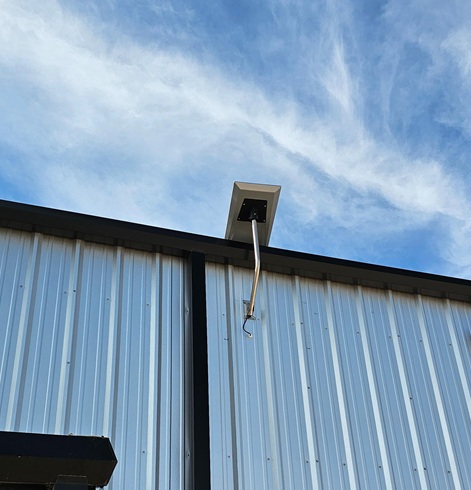
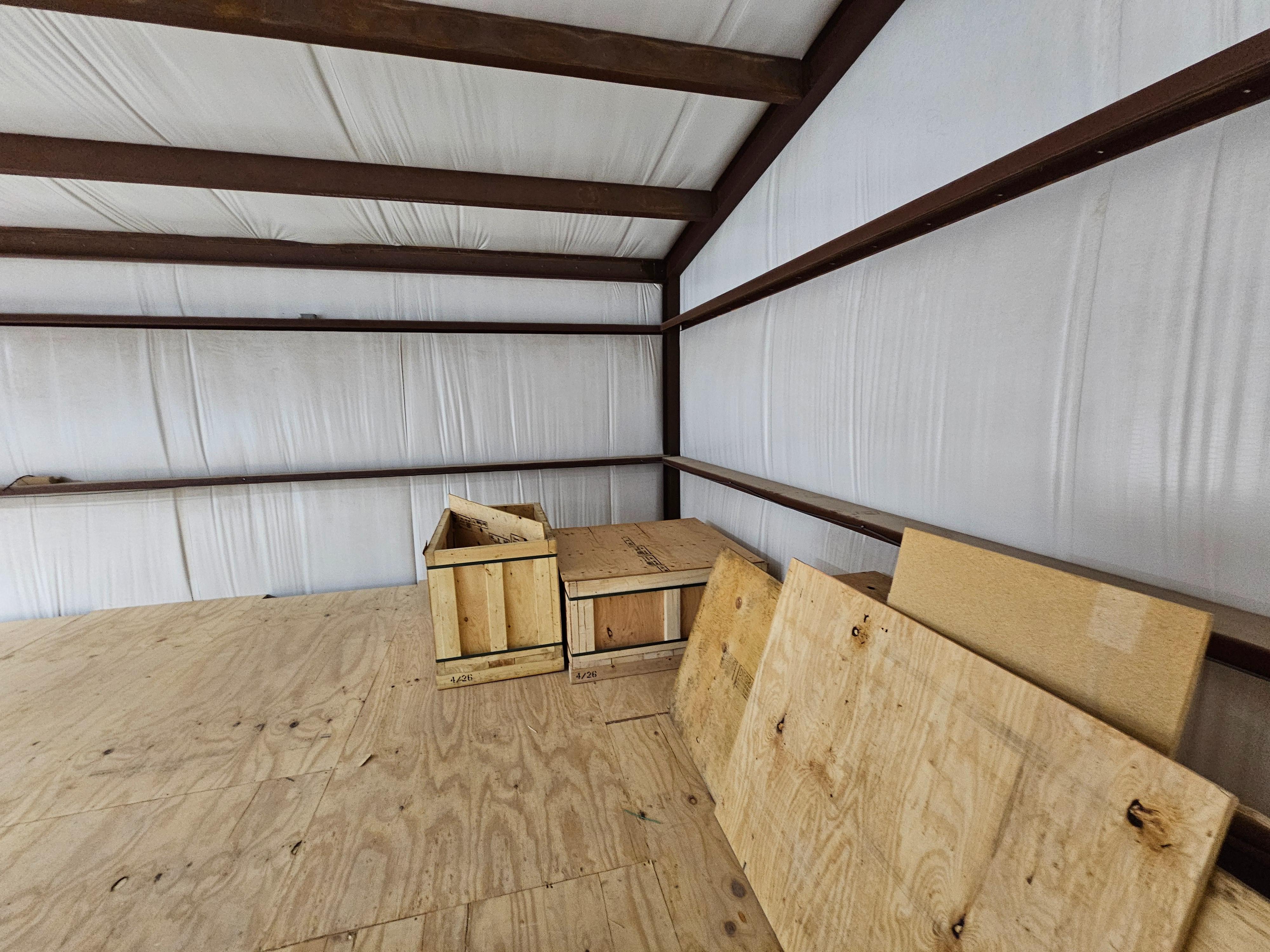
🔹Route the 82 ft. Starlink Performance3 cable through the loft, then along the exterior front wall down to the network room on the ground floor. Create a dedicated indoor and outdoor cable pathway to the network room ceiling. Secure the cable along the exterior wall using cable clips and metal screws for cable management.
🔹Run Cat6 cable through the hard ceiling with exit penetration into the shop area. Use access panels for proper finishing after installation. Install conduit from the shop penetration to the access point location above the shop door for protection and cable management.
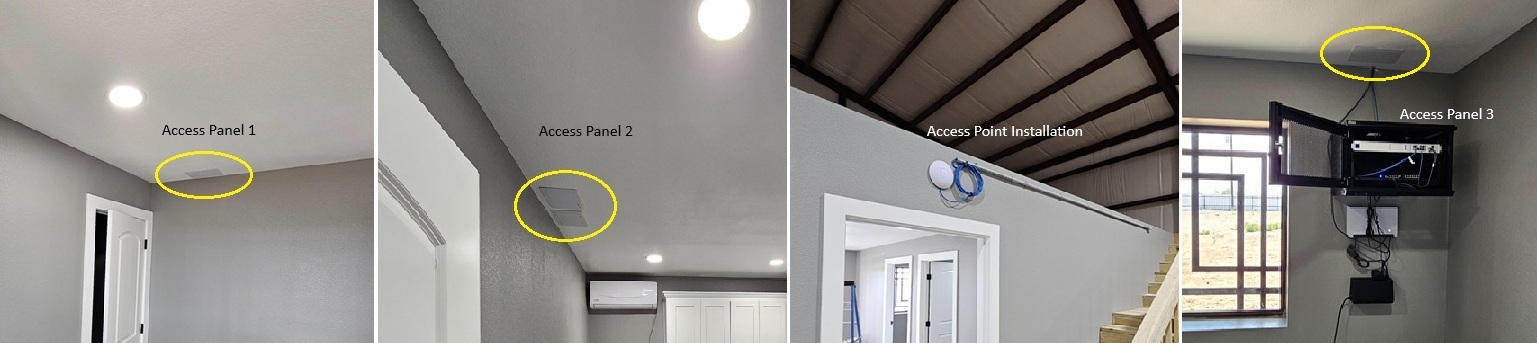
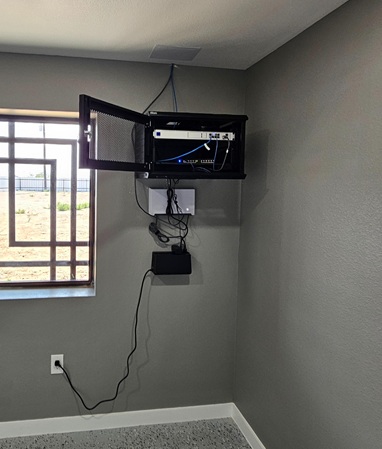
🔹Install network rack with a 12-port patch panel for organized cable management, along with the Starlink Advanced Power Supply and UPS for power back-up.
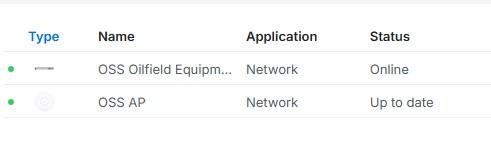
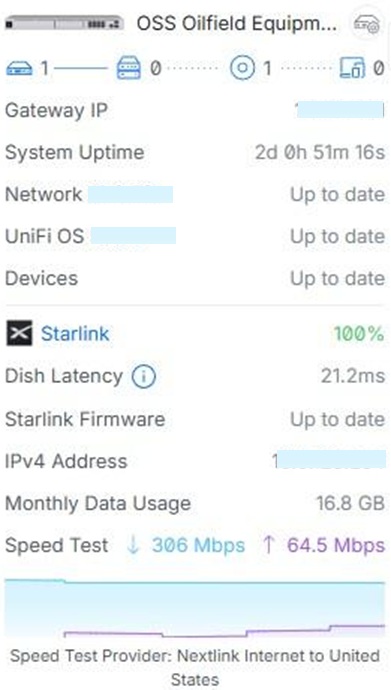
Connect and configure Starlink to the UDM Pro (Ubiquiti) gateway, assisted by our offsite Network Engineer. Create a UniFi user account for the client to allow SSID and password changes, as well as network monitoring.
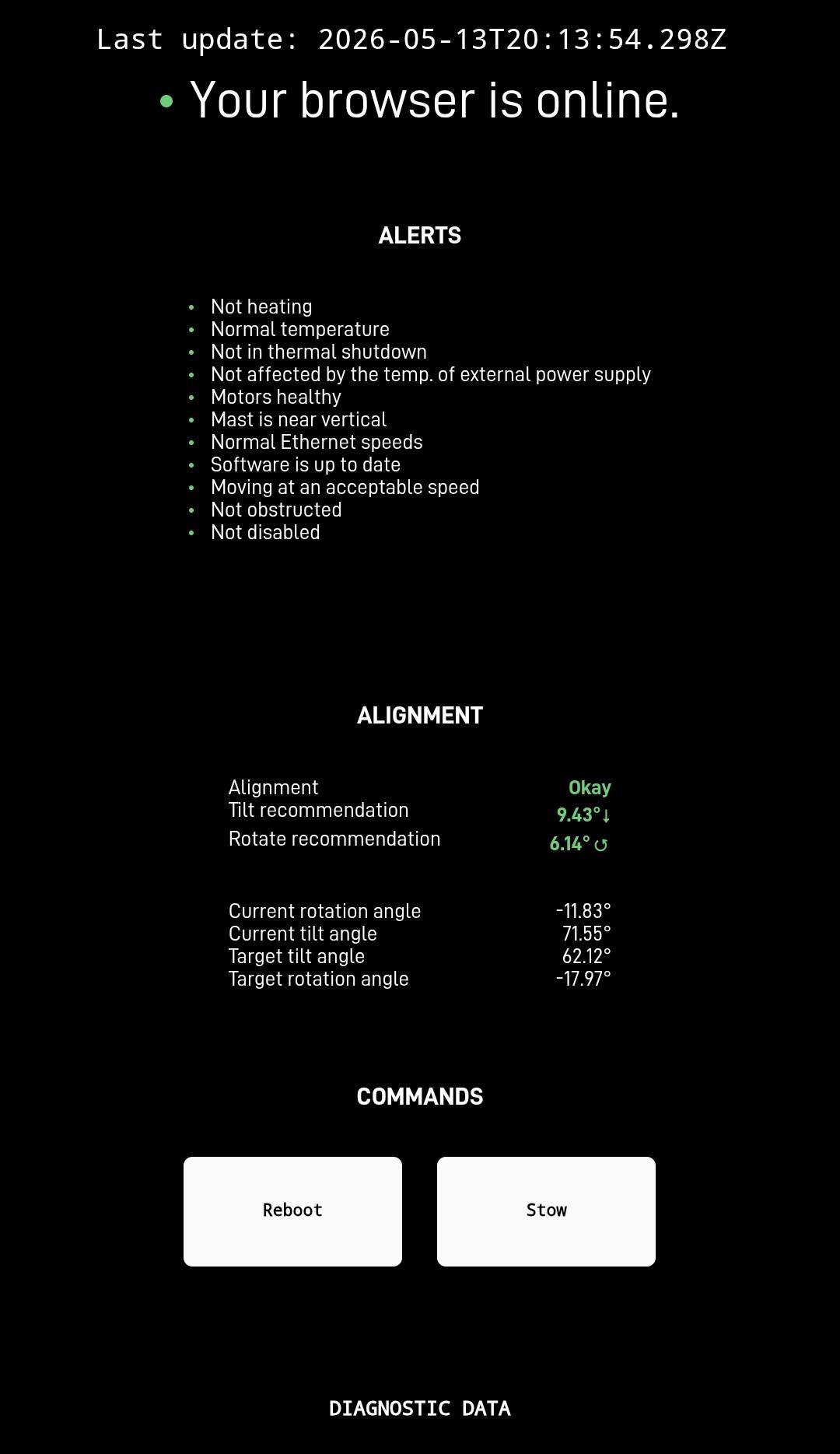
Following the installation of the Starlink system, wireless access points, network IT rack, and supporting network equipment, testing was conducted to verify both wired and wireless connectivity. Network performance, internet access, device communication, and overall system functionality were confirmed to be operating as intended.
👉 Contact us at 1-844-799-0258 to request a quote.
DID YOU KNOW?
Corpus Christi, TX is known as the "Sparkling City by the Sea" and is home to one of the largest ports in the United States, the Port of Corpus Christi. The city is also a popular destination for sailing, fishing, and wind sports thanks to its location along the Gulf Coast and its year-round warm climate.
Thank you for reading our Starlink installation articles.