Military Veteran Discount: $50 OFF


Military Veteran Discount: $50 OFF
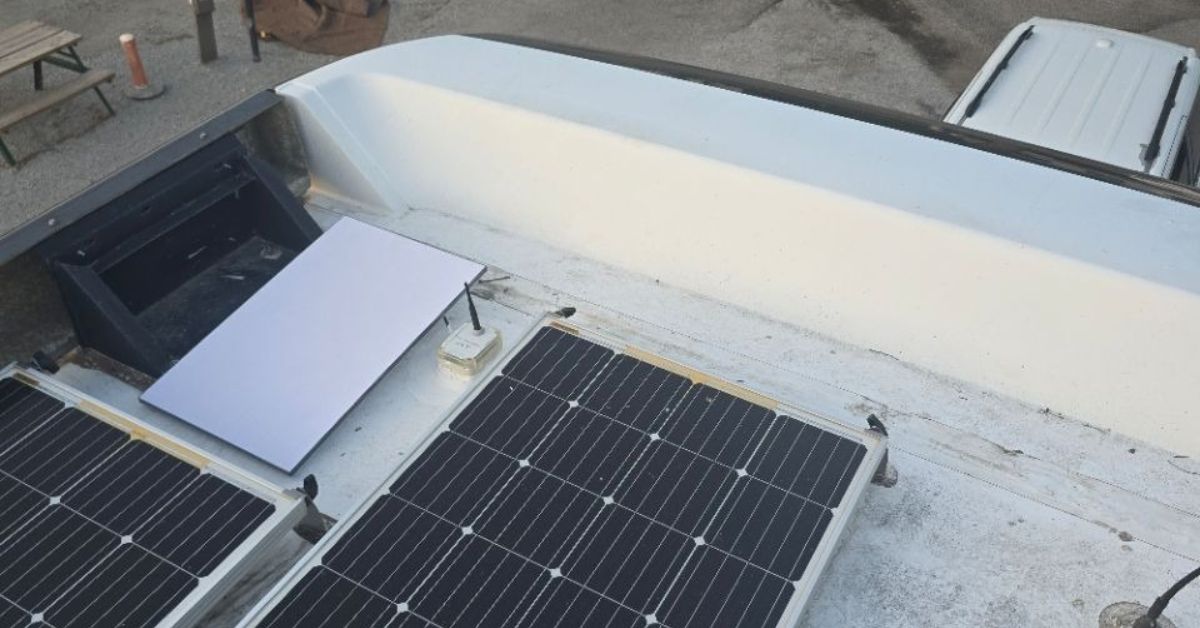
In today’s fast-paced world, staying connected while on the road is essential for both work and leisure. The Starlink Roam offers a reliable and high-speed connection, making it an ideal choice for motorhome owners, digital nomads and travellers. ProSat Networks successfully completed a Starlink installation in Clarksville, IN, allowing the customer to enjoy high-speed internet while on the road.
👉 Schedule your Starlink installation today by calling 1-844-799-0258, or request a quote through our Contact Us form.
_(1).jpg)
🔹Location: Clarksville, IN
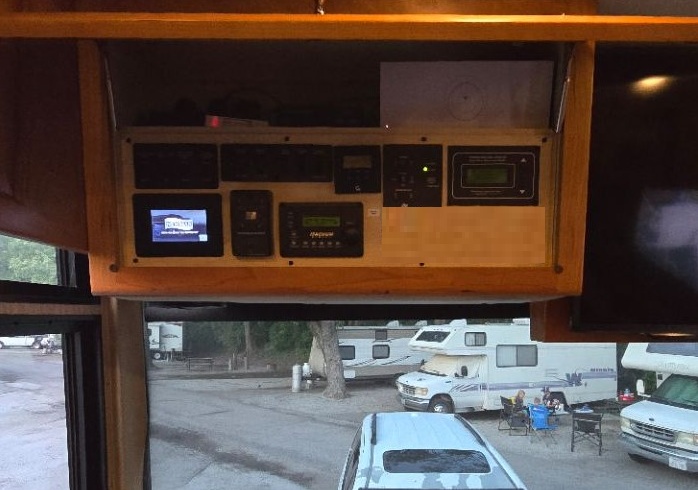
🔹Property Type: Class A Motorhome (RV)
🔹Mount: Mobility mount
🔹Power Setup: Solar panel, generator and batteries
🔹Starlink Kit: Starlink Standard Kit (Gen3)
🔹Mount Solution: Pipe Adapter mount attached to the non-penetrating roof mount with cinder blocks
Our certified network engineers received a service request for Starlink and WiFi network installation in Clarksville, IN. To process the service request, the following steps were carried out:
Upon receiving of the service request, an initial offsite assessment was conducted to evaluate motorhome type and collect requirements for Starlink installation. The customer has the Starlink Standard Kit and Starlink Mobility mount and ready for the installation schedule with our local professional Starlink installers in Clarksville, IN.
Our professional Starlink installers begin theinstallation with a Starlink Obstructions Test using Starlink app, assessing the nearby structure or any physical barriers that could interfere with the satellite signal. Once the installation location is confirmed, the Starlink cable was routed along the motorhome’s roof, prioritizing secure and tidy cable management. They apply a waterproof sealant around all cable entry points to prevent water ingress, ensuring the motorhome remains protected from moisture damage.
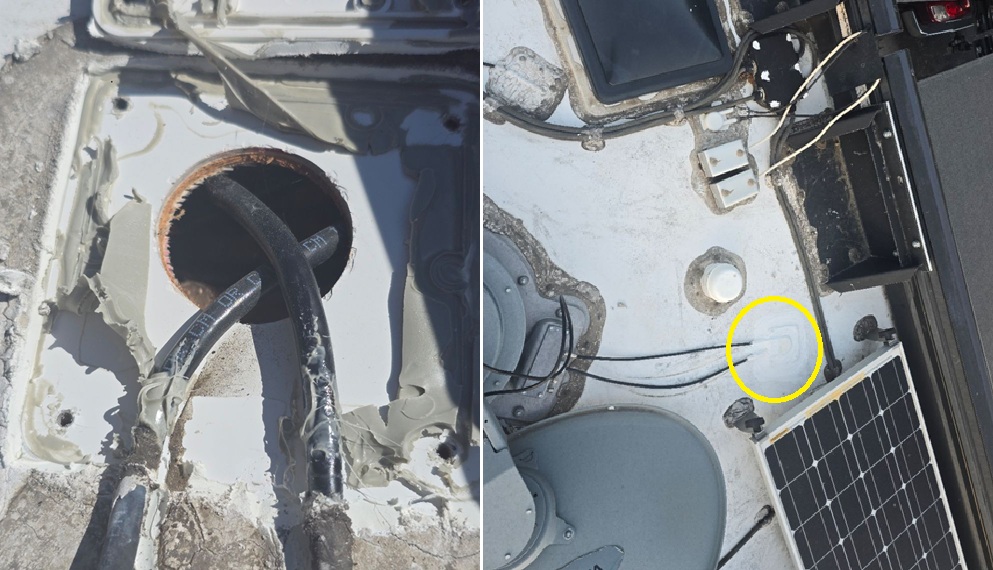
Next, is the setup of the Starlink mobility mount, designed to securely hold the dish in place during travel. The dish is then installed and aligned for optimal performance, maintaining a clear connection with the satellites.
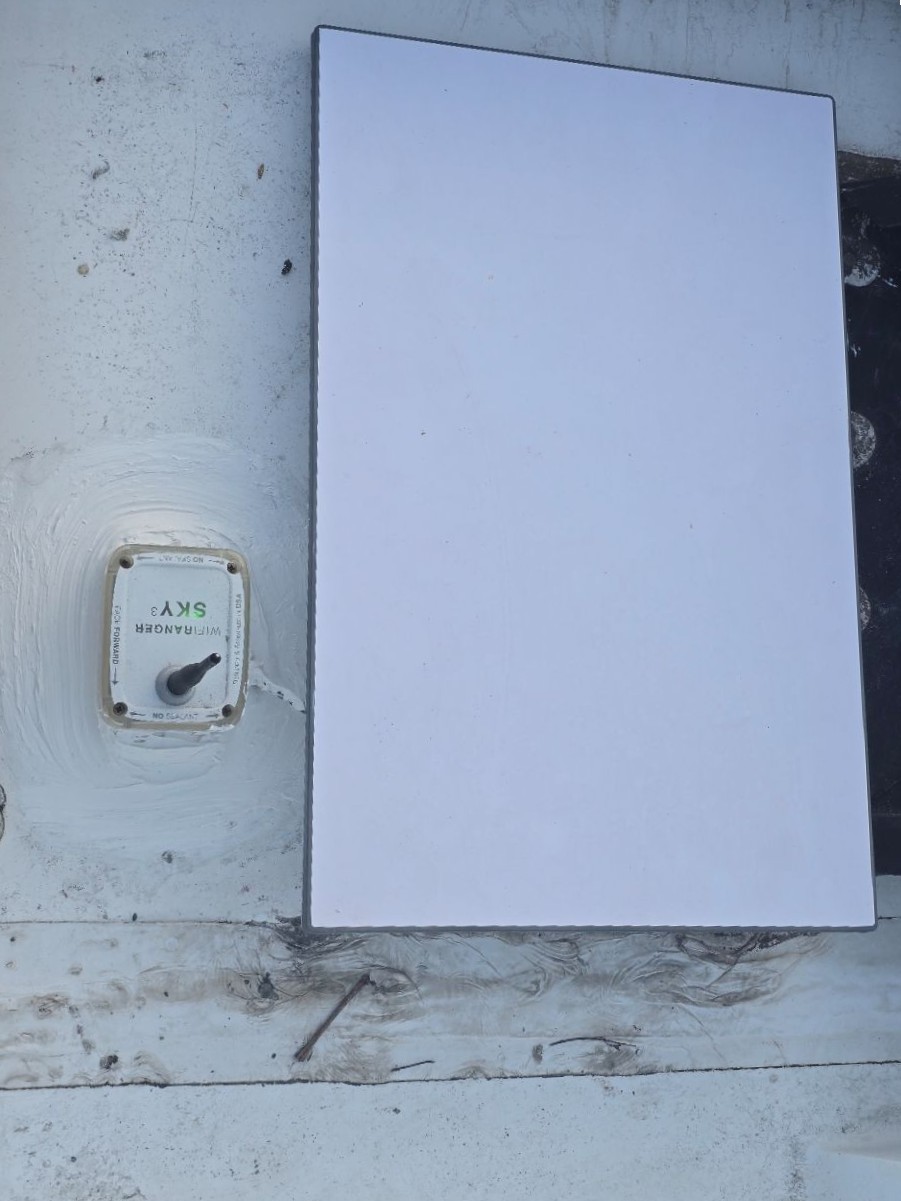
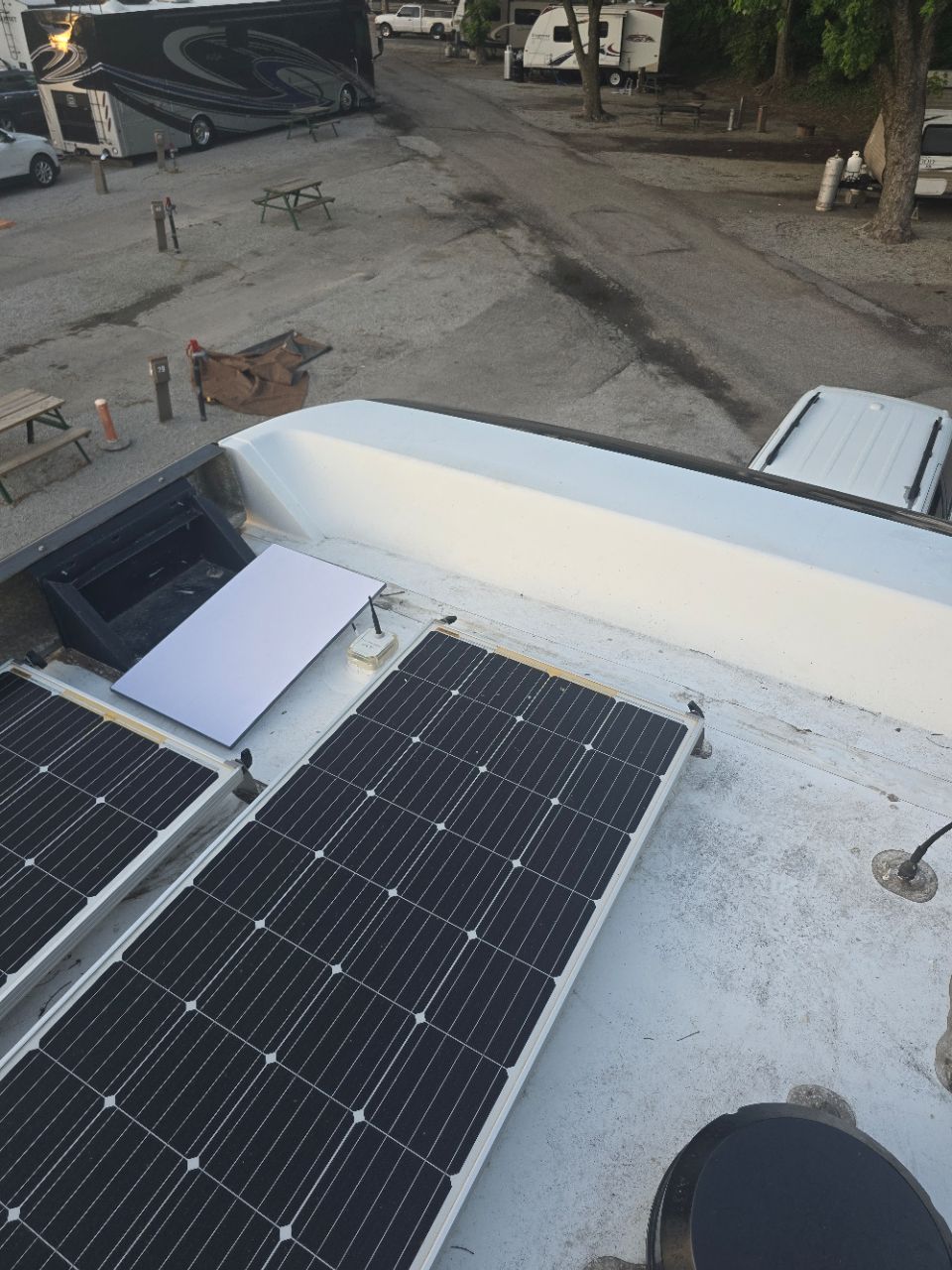
After physically installing the Starlink dish, our team connects the Starlink cable to the Gen3 WiFi mesh router. Connect the system to a power source, powered on and activate it using the Starlink app. The Gen3 router was configured the customer’s SSID and password. Then the customer was given a walkthrough on how to use the Starlink App to manage the Starlink system.
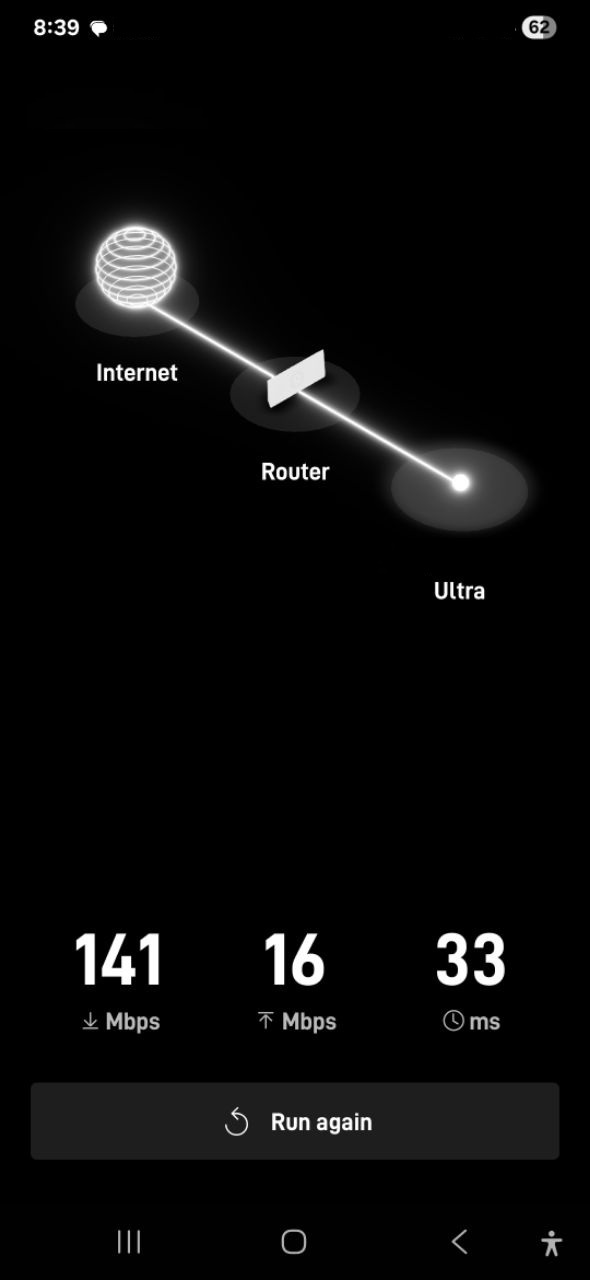
After installing the Starlink system, our team performed Starlink speed test to test the system’s internet performance. The results indicate that the Starlink system provides a reliable and a good internet connection, suitable for a variety of online tasks. It’s important to note that Starlink can take up to 12 hours to achieve optimal Starlink speed.
👉 Call ProSat Networks at 1-844-799-0258 for installation service or use our contact us form to request a quote.
DID YOU KNOW?
Clarksville, Indiana, is renowned for its historical importance as the launch site of the Lewis and Clark Expedition. The area also boasts natural wonders, including Falls of the Ohio State Park, which features the largest exposed Devonian fossil bed in the world. In addition, visitors can explore attractions such as the Colgate Clock and the Clarksville Peddler’s Mall.
Thank you for reading our installation project articles.