Military Veteran Discount: $50 OFF


Military Veteran Discount: $50 OFF
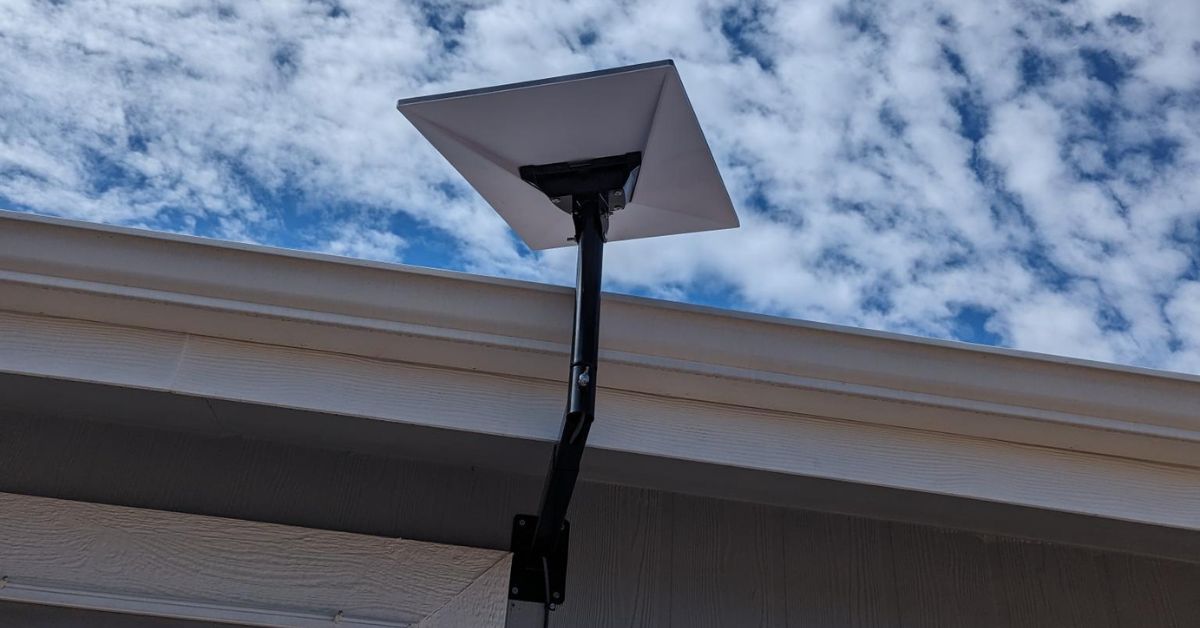
ProSat Networks 1-844-799-0258 is a professional Starlink installer and IT network services provider serving Casa Grande and communities throughout Arizona. We specialize in Starlink installation, WiFi / wireless network design, structured data cabling, network infrastructure setup, security camera systems, and managed IT services for businesses, residential properties and maritime vessels. This article features a successfully completed Starlink installation in Casa Grande, AZ for a residential property.
👉 To book your Starlink installation, call us at 1-844-799-0258 or request a quote through our Contact Us form.
.jpg)
🔹Location: Casa Grande, AZ
🔹Property Type: Home Office
🔹Property Size: 1,400 sqft, one-story home
🔹Roof Type: Asphalt Shingle
🔹Starlink Kit: Standard Kit
🔹Mount Solution: Adjustable long wall mount
🔹Router Location: The customer prefers to have the Starlink Gen3 router installed in her small office, which is located near the center of the house.
Our certified network engineers received a service request for Starlink and wireless network installation in Casa Grande, AZ. To process the service request, the following steps were carried out:
An initial offsite assessment was carried out to verify the property structure, roof type, installation points, suitable mounting hardware and any obstructions that could impact Starlink installation. This key process allows us to determine the necessary materials, equipment and tools to facilitate an efficient onsite installation.
Following the site assessment, a detailed installation plan was prepared and submitted to the customer for review and approval. Upon approval, the required installation materials were procured, and the installation was scheduled in coordination with our certified Starlink installers in Casa Grande, AZ.
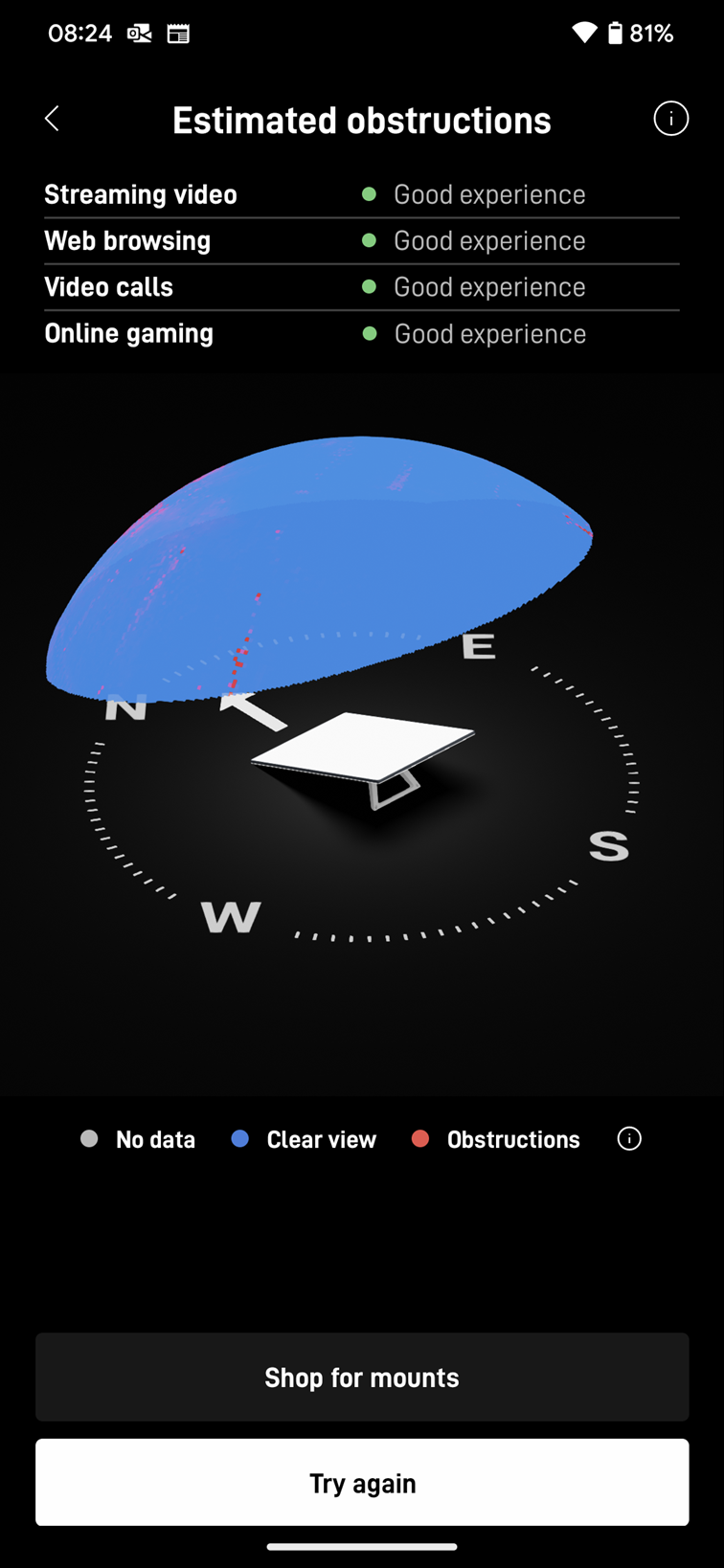
Our professional Starlink installers begin the onsite installation by mounting the standard Starlink dish at the confirmed location verified to have a 'Good Experience' rating from the Starlink obstruction test as shown in the image below:
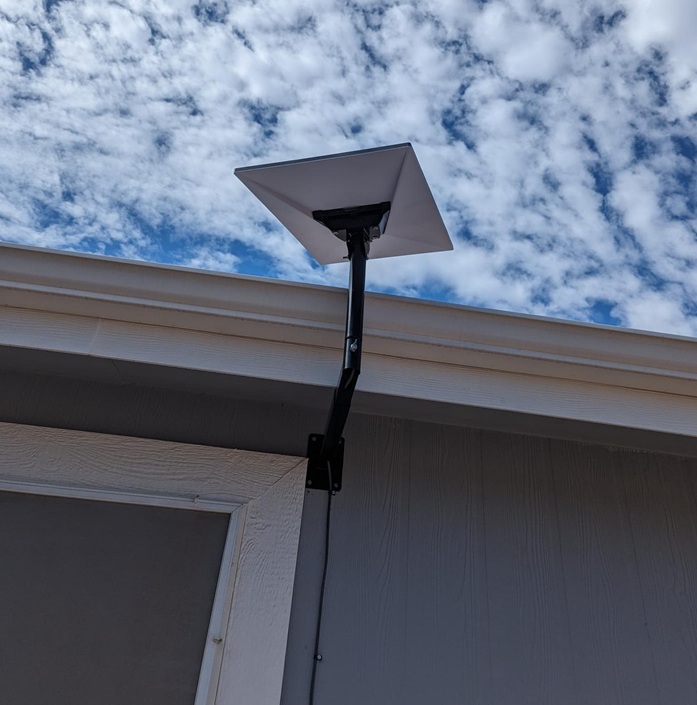
The Starlink dish was securely mounted on the wall with an adjustable long wall mount, giving it a strong, stable position and a clear view of the sky.
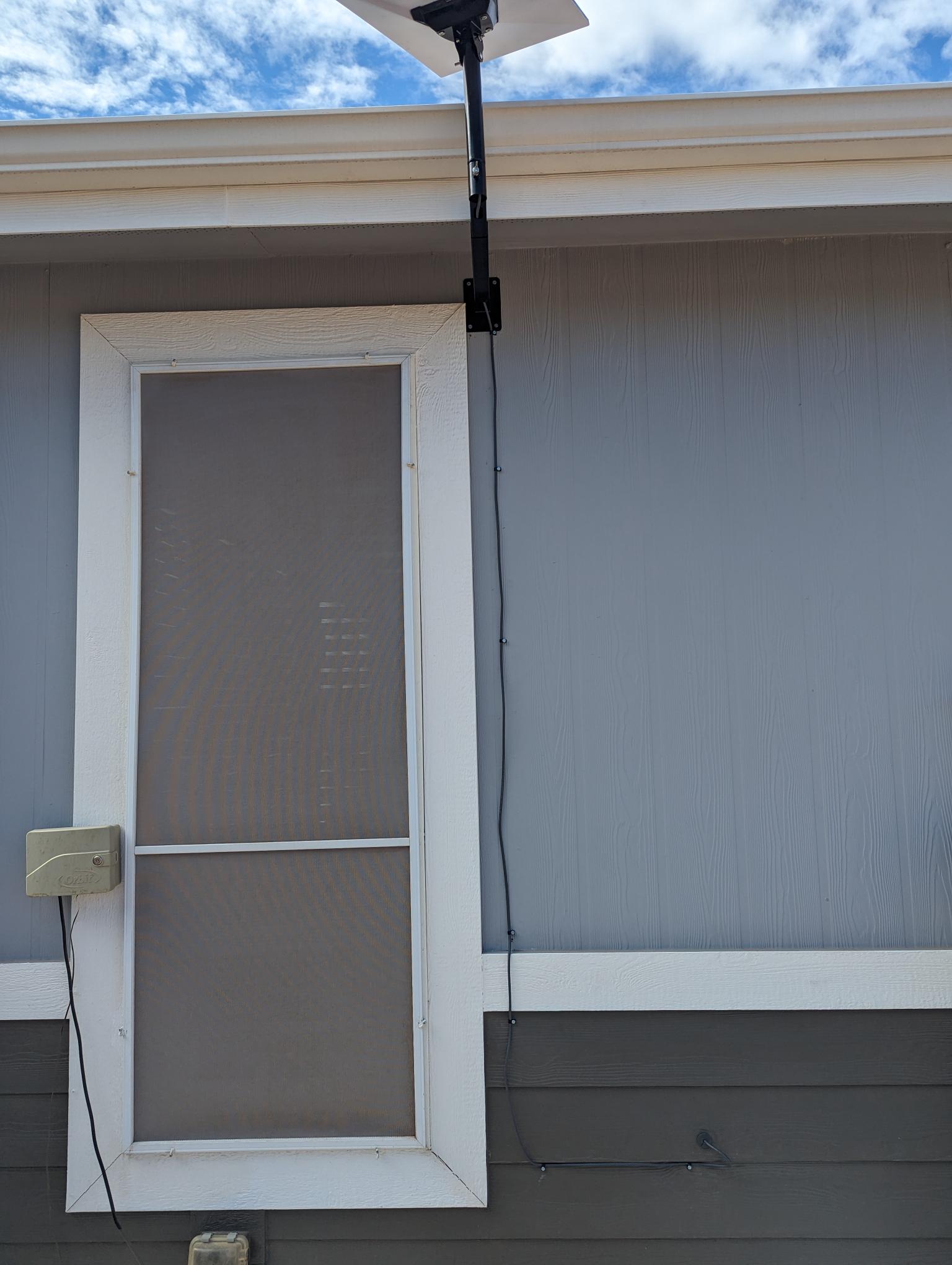
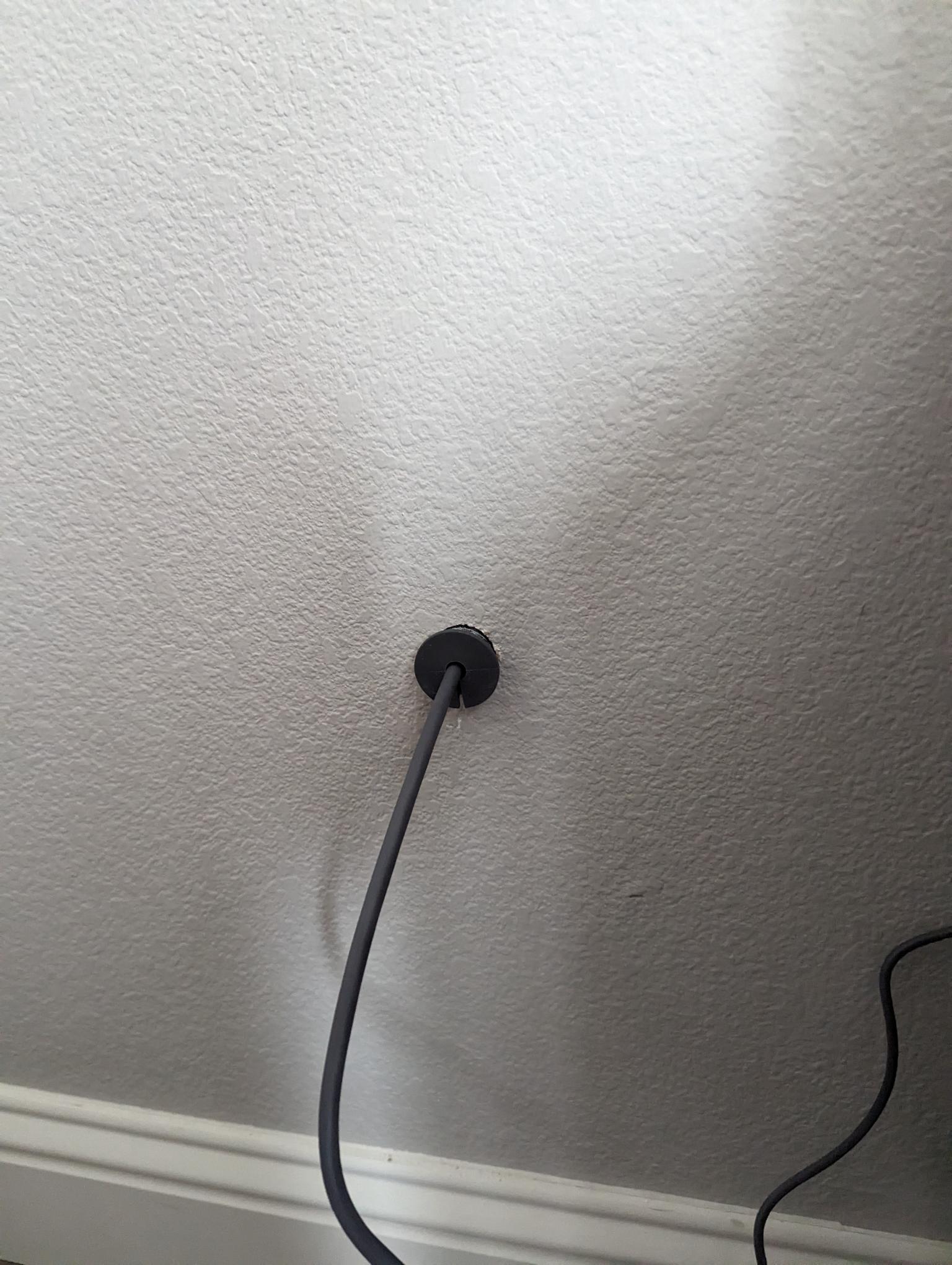
Then, they routed the Starlink cable neatly along the wall, passing it through a wall entry point that was sealed with a grommet and weatherproof sealant to prevent any water ingress.
The Starlink cable was routed to the indoor location of the Gen 3 WiFi mesh router and was then plugged in. The team then activated the Starlink system, configured the user’s SSID and password.The customer was provided a walkthrough on how to use the Starlink app.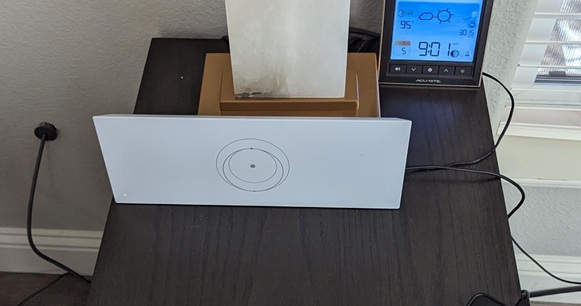
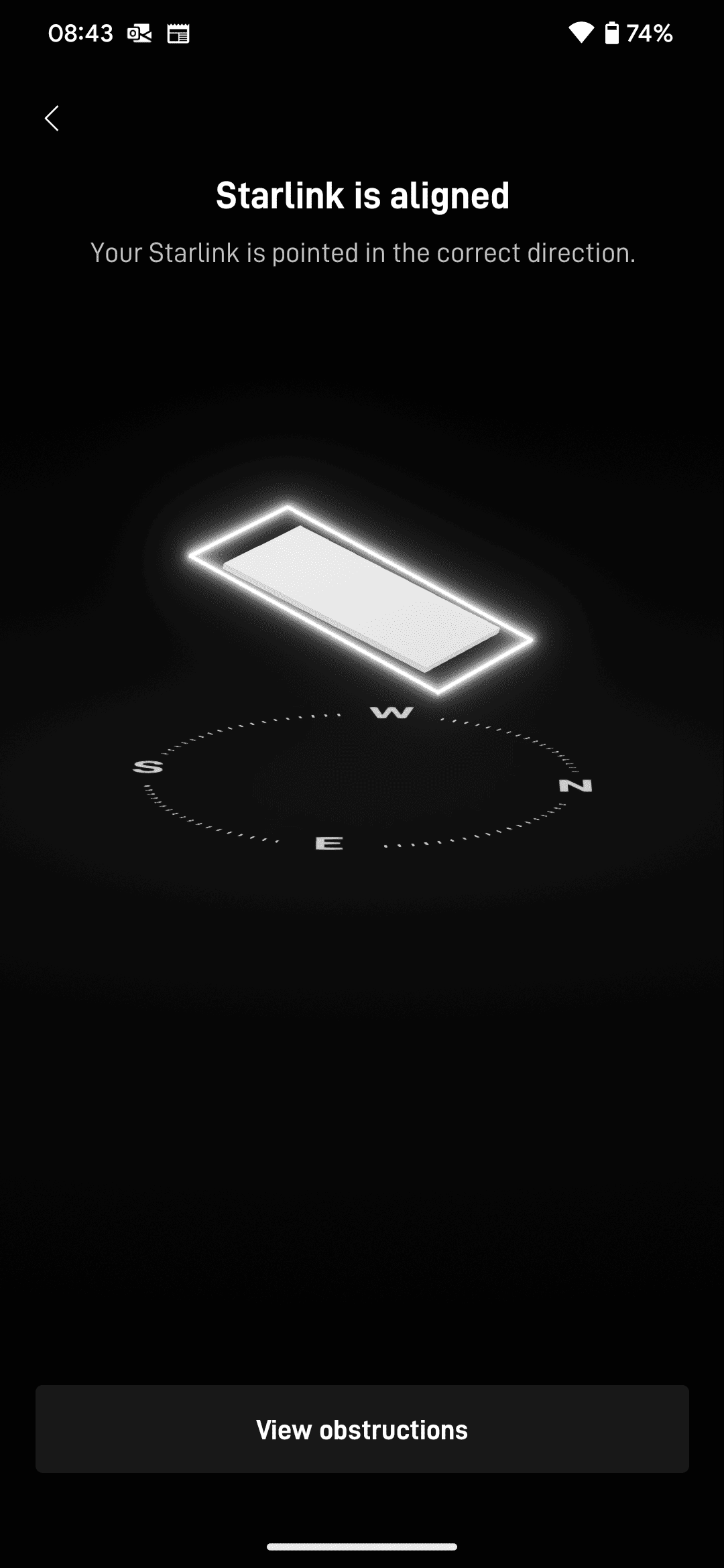
After completing the Starlink installation, a Starlink alignment test was done to confirm precise dish positioning. This essential step ensures a clear line of sight to the satellite network.
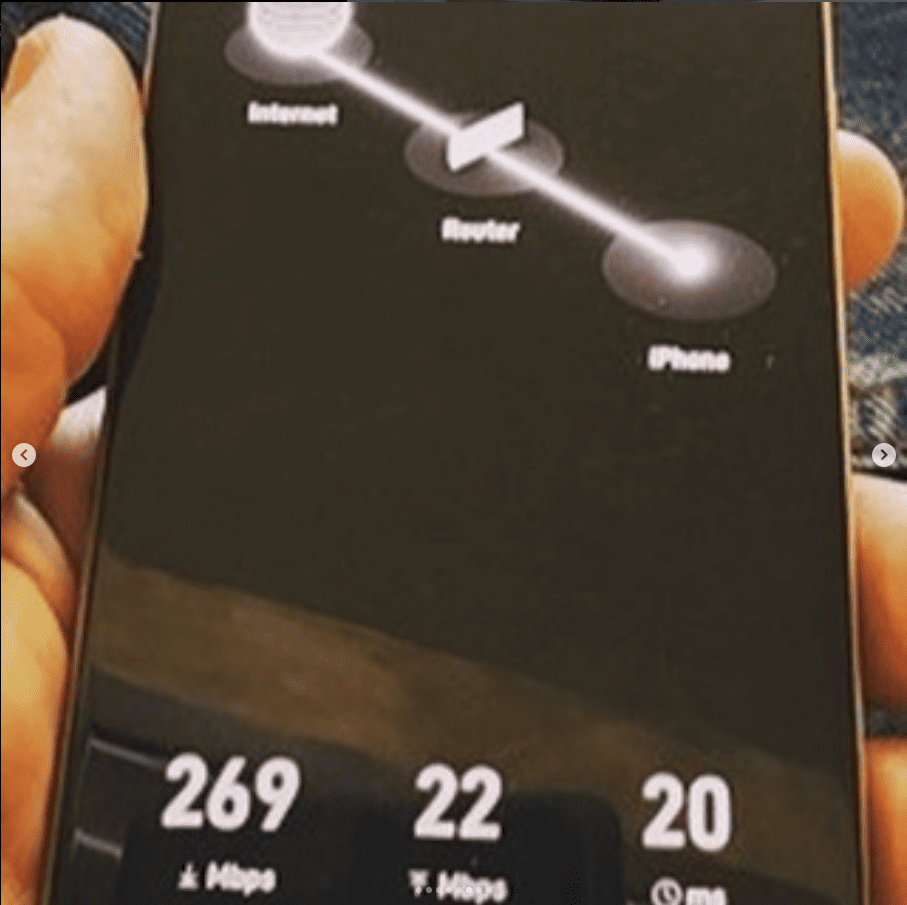
Then, the Starlink speed test was done twenty minutes after installation to verify the Starlink internet performance through the metrics of download speed, upload speed and latency. It is important to note that it takes upto 12 hours to achieve optimal speeds.
📞 Call us at 1-844-799-0258 for your free consultation or fill-out our Contact Us form for the request a quote.

DID YOU KNOW?
Casa Grande, AZ was founded in 1879 during the mining boom and is named after the nearby Casa Grande Ruins National Monument, one of the largest prehistoric structures in North America built by the Hohokam people over 650 years ago.
Thank you for reading our Starlink installation articles.