Address
304 North Cardinal St.
Dorchester Center, MA 02124
Work Hours
Monday to Friday: 7AM - 7PM
Weekend: 10AM - 5PM
Address
304 North Cardinal St.
Dorchester Center, MA 02124
Work Hours
Monday to Friday: 7AM - 7PM
Weekend: 10AM - 5PM

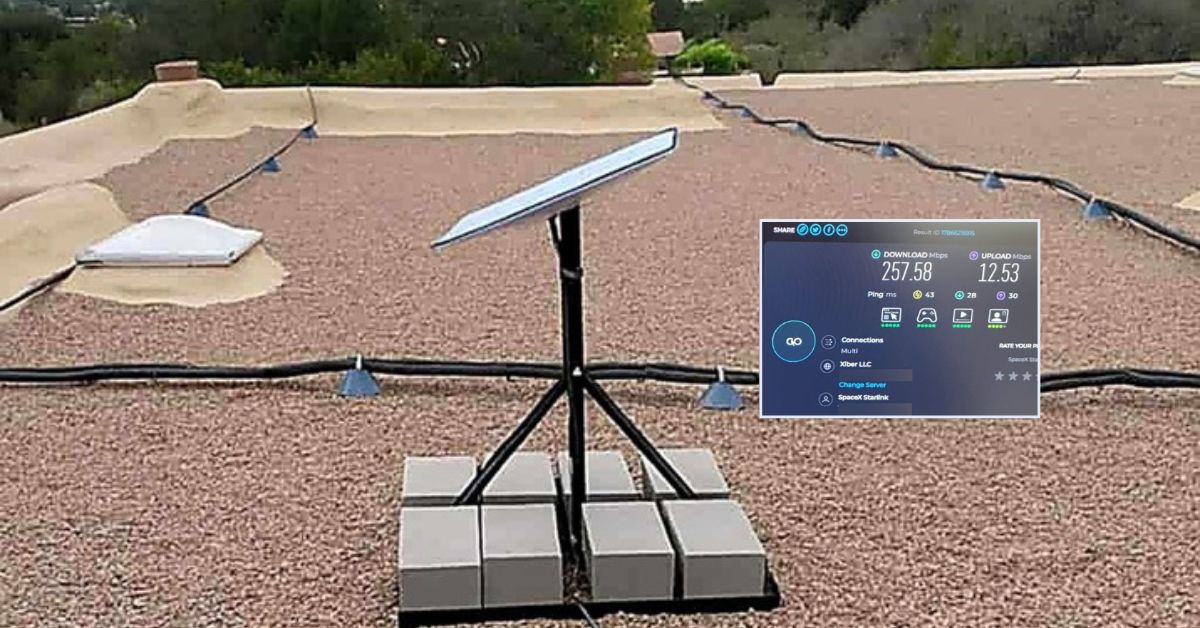
Professional Starlink business installation services in Santa Fe, New Mexico. Call 1-844-799-0258 for commercial, residential, RV parks and maritime for boats Starlink installation.
This article highlights a successful Starlink installation in Santa Fe, NM, designed to provide reliable high-speed internet for business office. To learn more about Starlink installation services for commercial business by ProSat Networks, call 1-844-799-0258.
Our Starlink installation SMEs received a service request from a business owner in Santa Fe, NM, seeking a professional Starlink installation to support a reliable remote work office setup and potential portability / mobility use of their Starlink dish during travel or camping.
To assess the feasibility of the Starlink installation, our team conducted an initial offsite assessment using satellite imagery and client-provided onsite photos. This allowed us to identify potential mounting locations, detect any obstructions, and plan the optimal cable pathway. This crucial step also helped determine the necessary materials, equipment, and manpower required for the onsite installation. Below are the key findings from the offsite assessment.
Once the Starlink equipment arrived, the schedule of the installation is coordinated with our local expert Starlink installers in Santa Fe, NM.
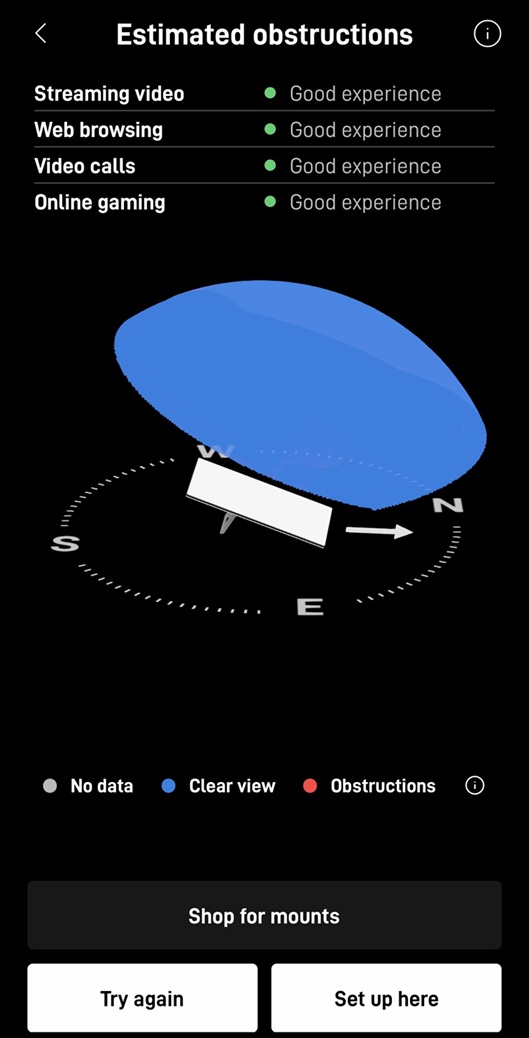
To kick-off the Starlink installation process, the Starlink installers performed Starlink obstructions test in the preferred installation point. The test uses your phone’s camera and augmented reality (AR) to scan the sky from the proposed dish location. It checks for obstructions such as:
Starlink satellites move across the sky, so the dish needs a clear view of a wide area of the sky, particularly northward in the Northern Hemisphere. Even small obstructions can cause:
Based on the result of the test shown below, “Good experirence” ratings for all online activities.
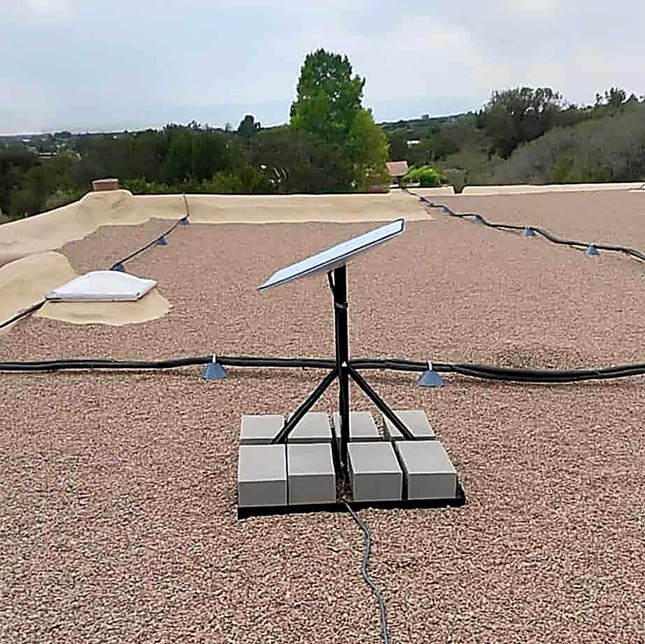
The team securely attached the Starlink dish into the pipe adapter mount and connect to the custom non-penetrating roof mount with weighted blocks to prevent wind movement and avoid roof damage.
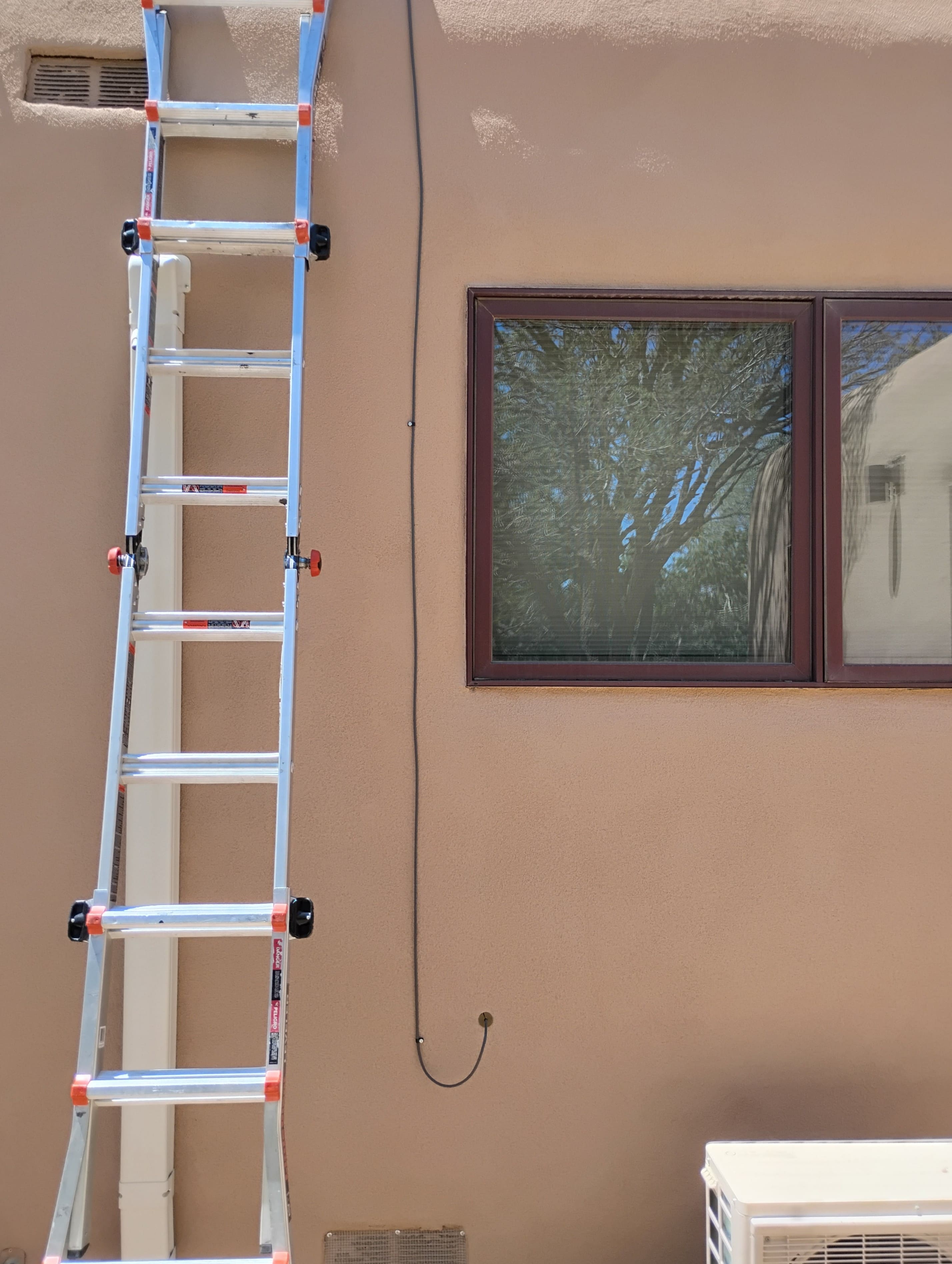
The Starlink cable is routed along the flat gravel rooftop, descends from the rooftop to the side of the building using vertical cable clips for a clean, professional look. The cable enters the home through a wall penetration point sealed with for weather-proof sealant for ingress protection. Connect the cable to the Gen3 router located on the office setup.
The Gen3 router was powered on and activated, then configured its personalized SSID and password using Starlink app. Guide the customer on how to use the app for basic troubleshooting and network set up.
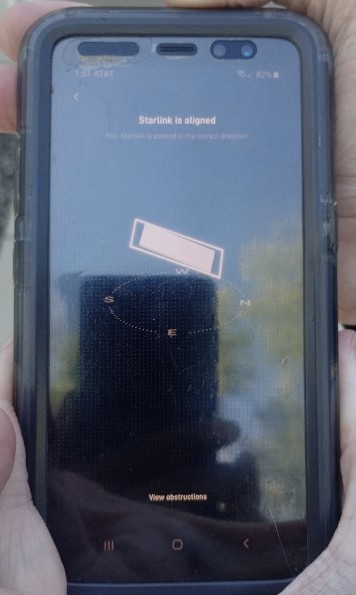
After Starlink equipment setup, the Stalink alignment test was performed to ensure that Starlink dish is properly positioned or aligned to achieve optimal connectivity with Starlink satellite constellation. Based on the test shown in the image below, the Starlink dish us properly aligned.
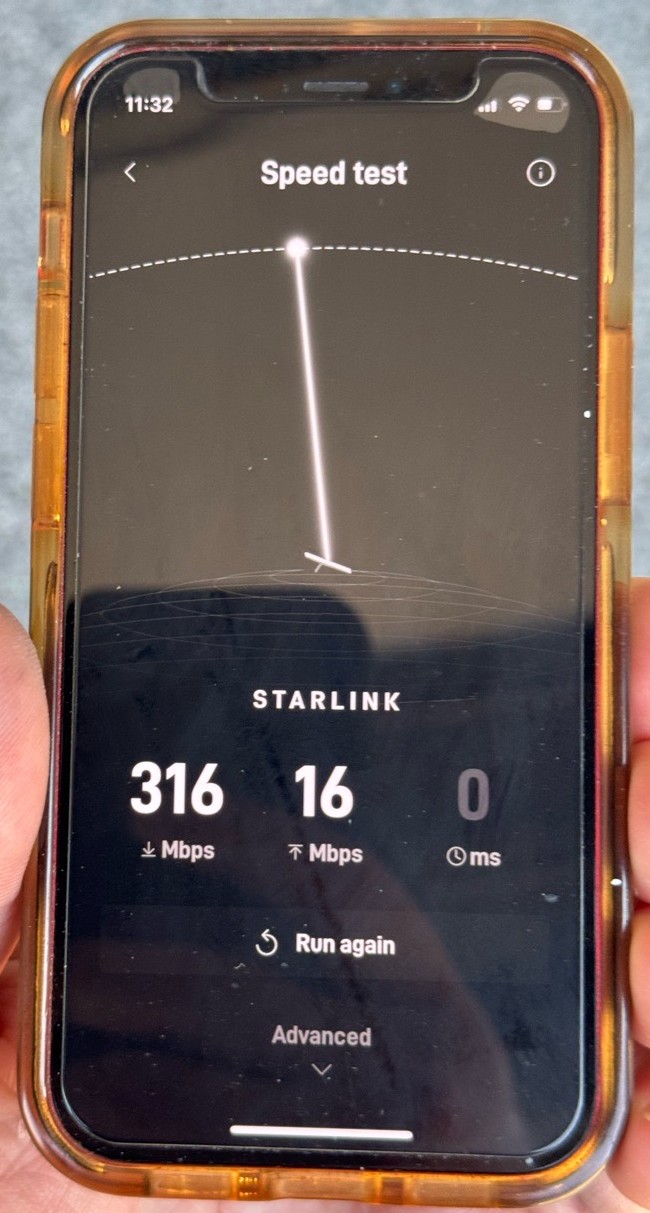
To check the performance of the connectivity, Starlink speed test was performed. This test helps determine if your connection is functioning at optimal levels and is crucial for troubleshooting or verifying quality during and after installation. It measures the download speed, upload speed, latency (ping).
They confirmed the performance of the Starlink connection using third-party tool like speedtest.net.
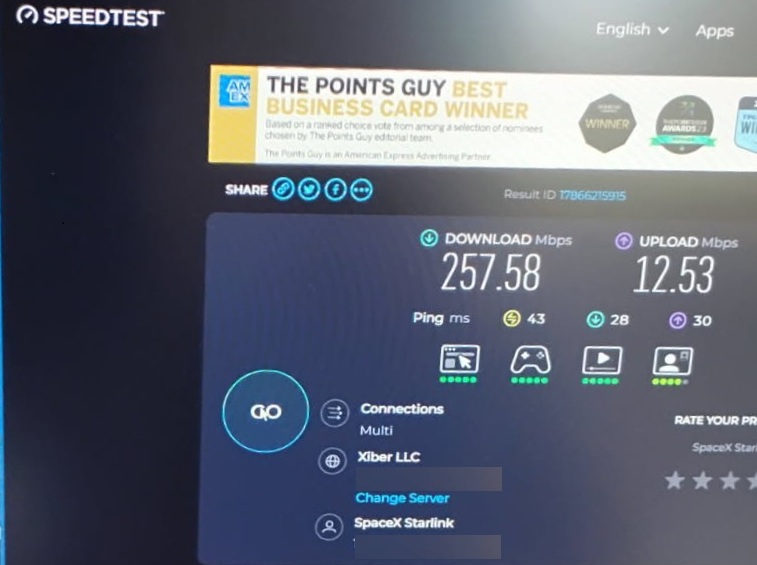
Both results indicate excellent Starlink performance that’s well above typical broadband speeds. Download speeds over 250 Mbps are exceptional for satellite internet, and the upload speeds (12-16 Mbps) are good for most use cases. The ping times in the 28-43ms range are also very reasonable for satellite internet, suitable for video calls and most online activities. These speeds would easily support multiple 4K video streams, video conferencing, online gaming, and heavy file downloads simultaneously.
Starlink installation in Santa Fe, NM represents a successful Starlink setup that delivers very good internet performance to the business office. The professional installation demonstrates optimal placement with the dish strategically positioned on the roof for maximum satellite visibility and signal strength. The clean, secure mounting with proper cable management reflects quality of workmanship, while performance results show outstanding speeds of 257-316 Mbps download and 12-16 Mbps upload with low latency (28-43ms ping times). The Starlink app confirms optimal system health with “Good experience” ratings across all critical applications including streaming video, web browsing, video calls, and online gaming.
Join thousands of satisfied customers across New Mexico who have made the switch to Starlink’s revolutionary satellite internet technology.
📞 Call Us: 1-844-799-0258 for free professional Starlink installation consults
DID YOU KNOW?
Santa Fe, NM, attracts over 1 million visitors a year and is renowned for its world-class art scene, Pueblo-style architecture, and vibrant cultural festivals. It’s also home to the famous Canyon Road, featuring over 100 art galleries in just a half-mile stretch, perfect for art lovers and collectors!
Thank you for reading our Starlink Business Installation articles.